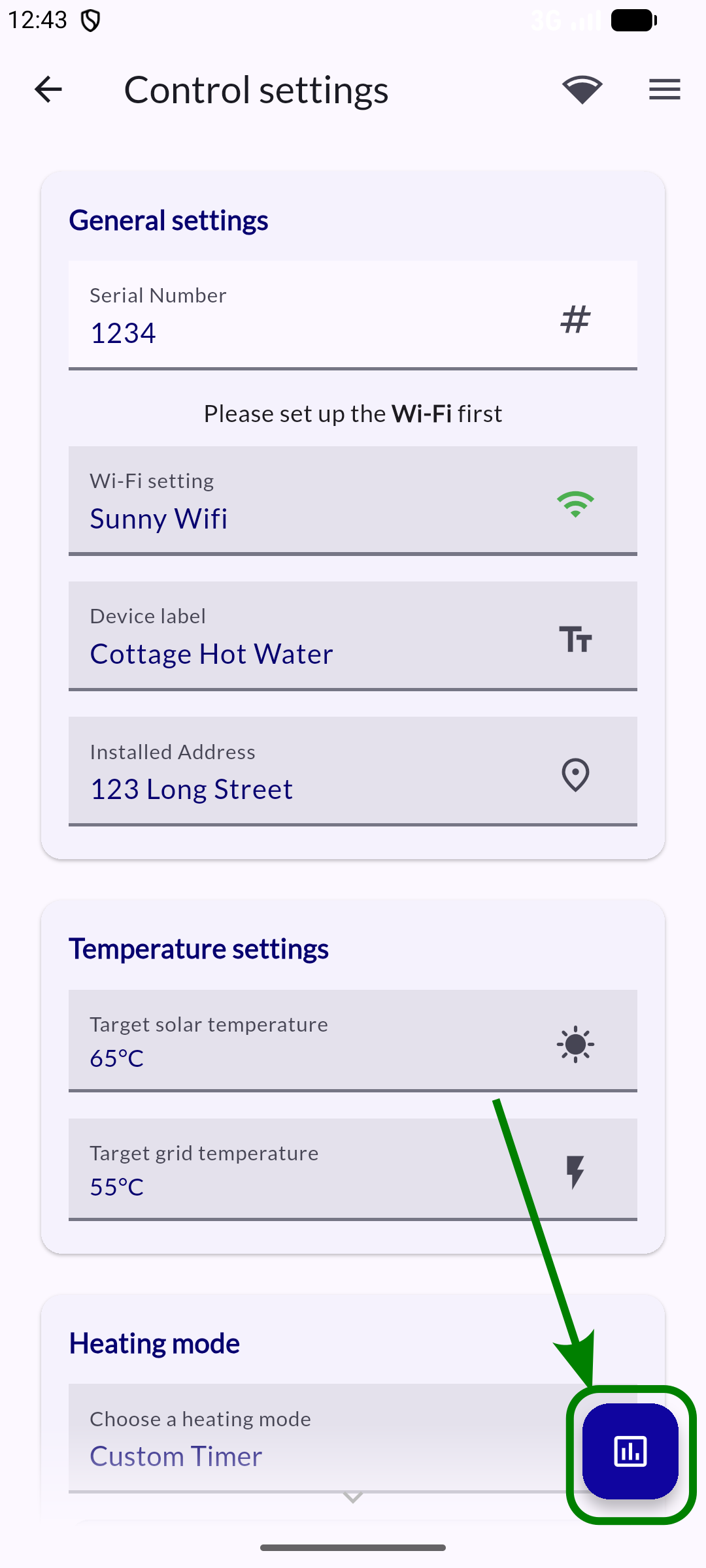
Control settings
When installing the device for the first time, the control settings screen is your primary entry point for smooth operation.
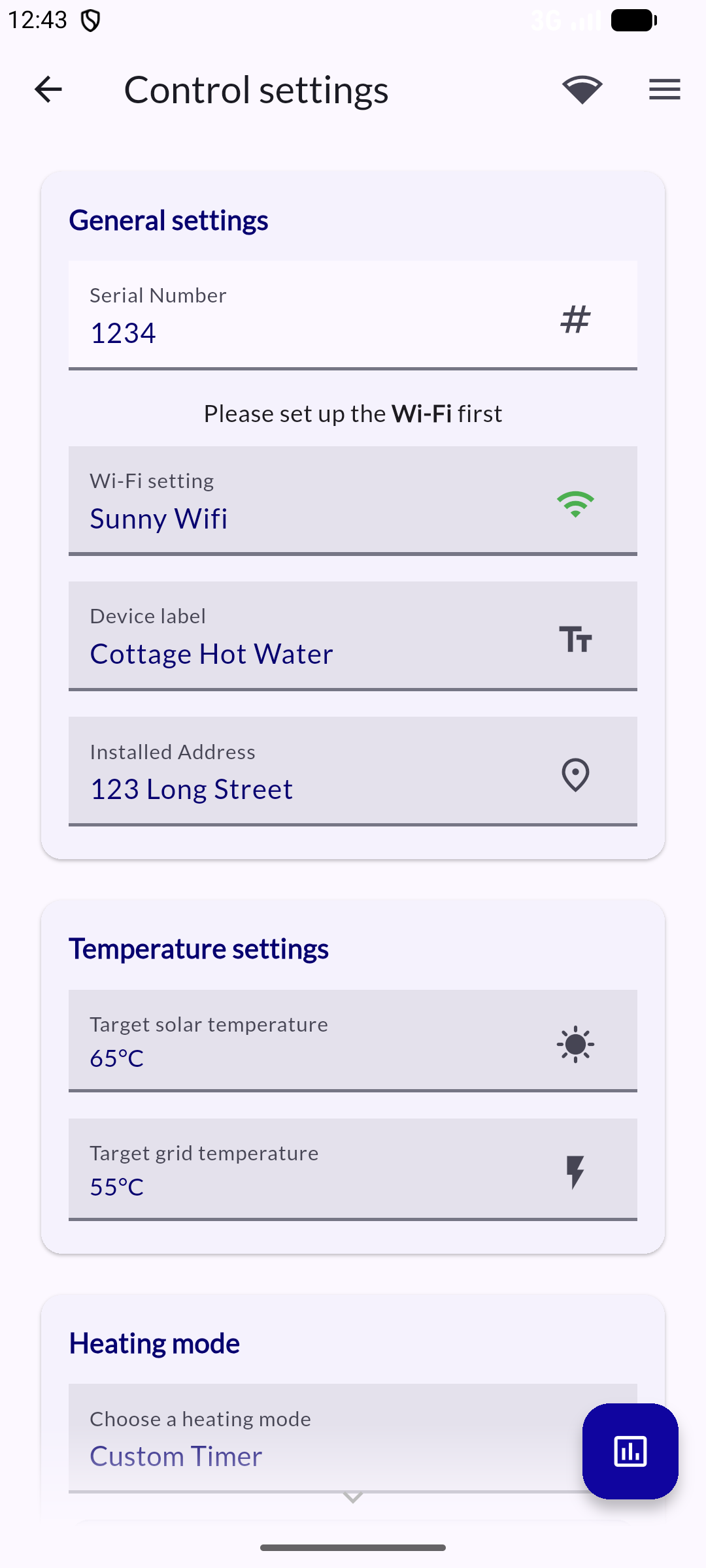
Connect to the device's control settings
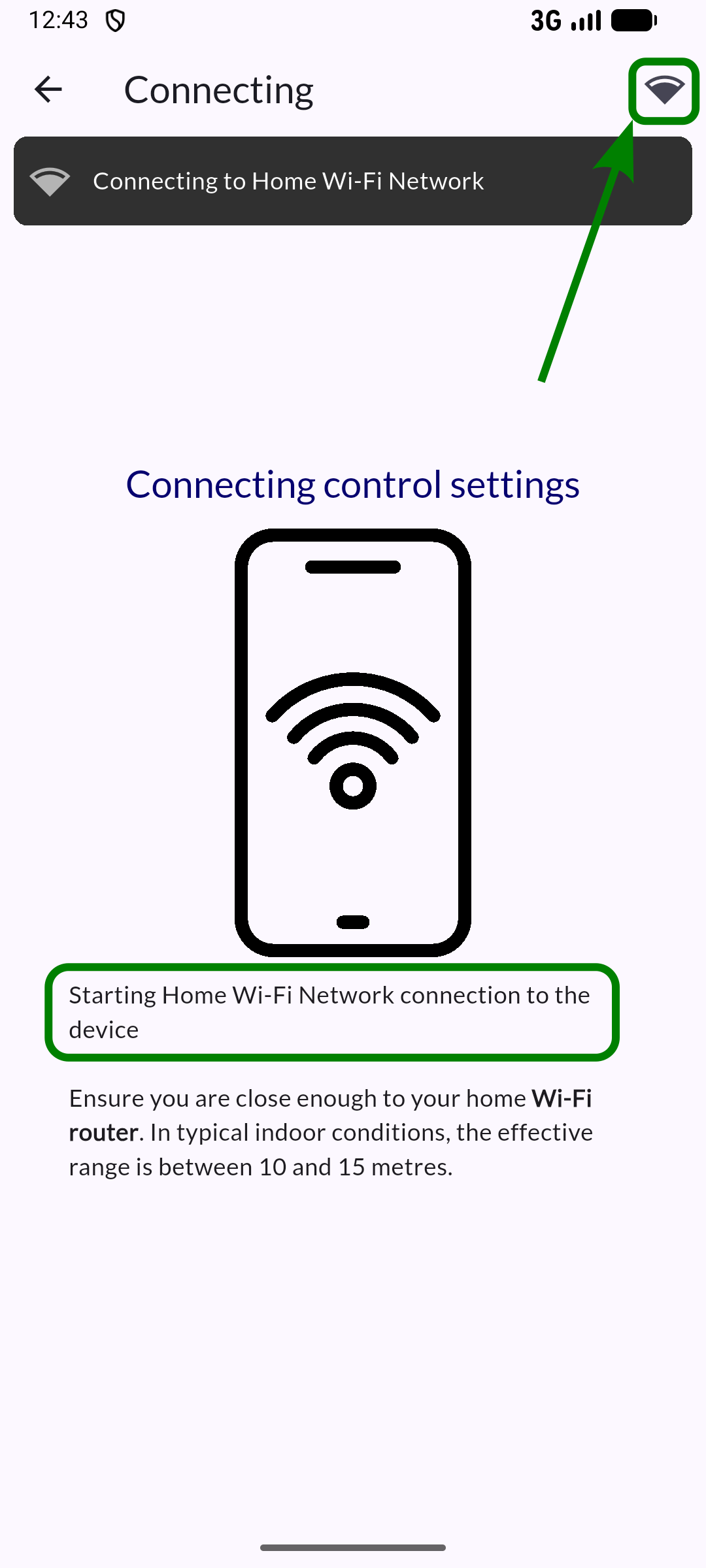
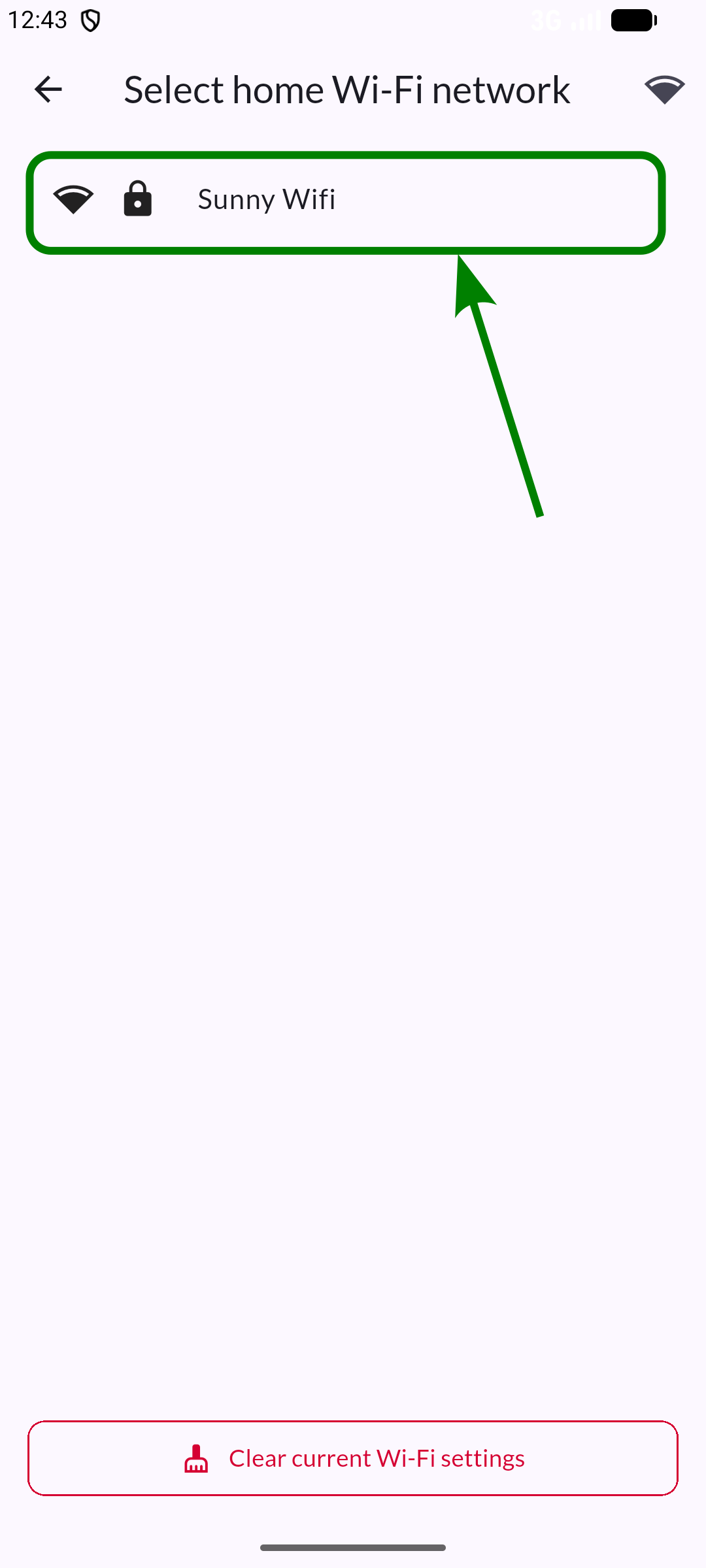
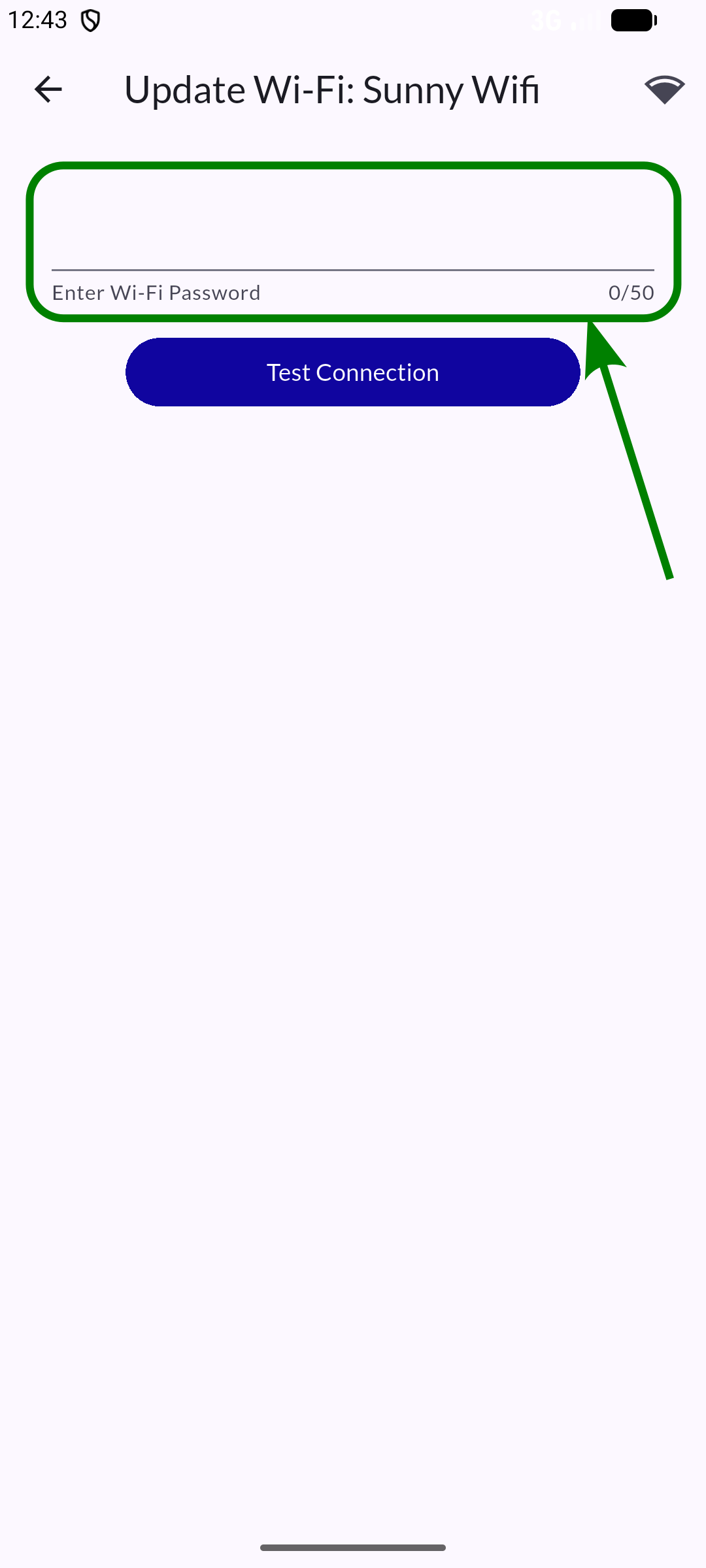
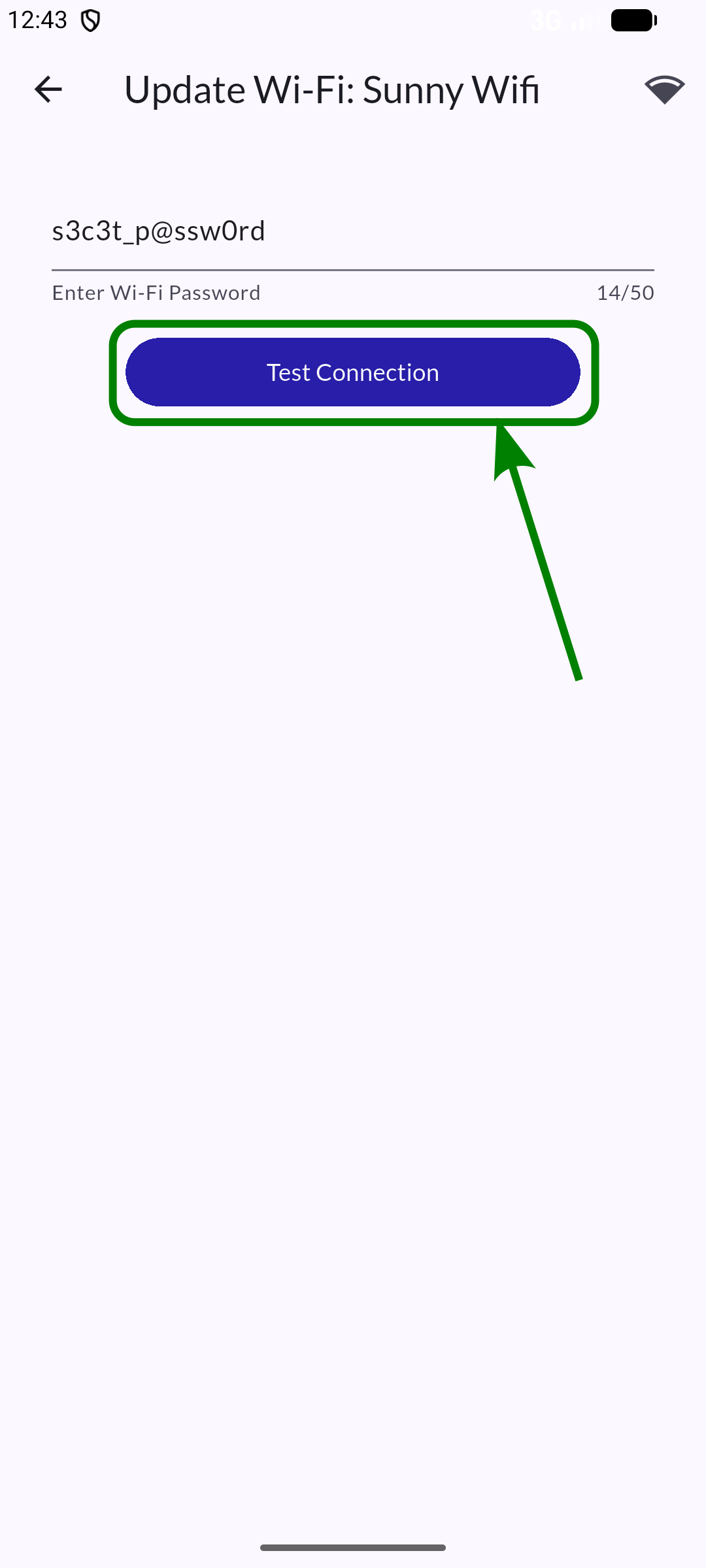
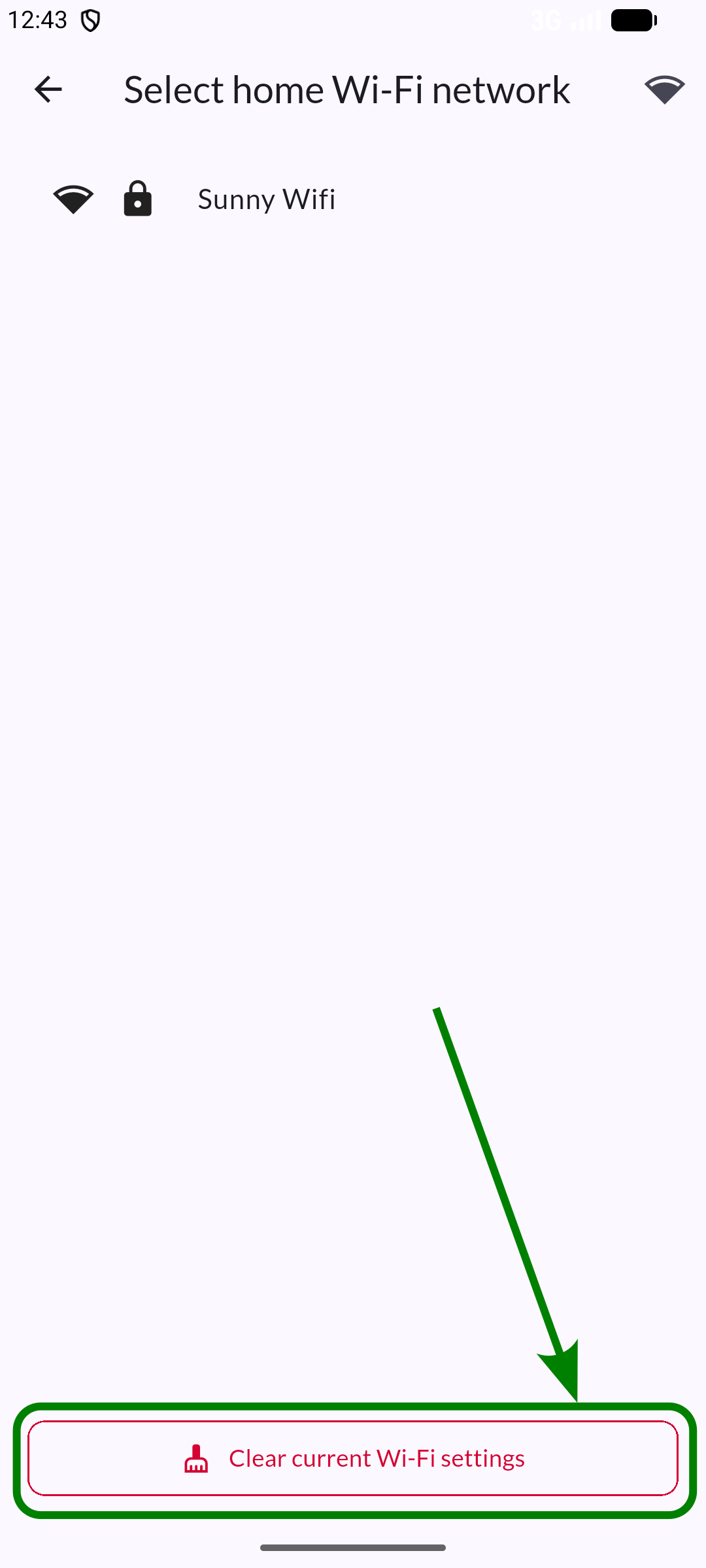
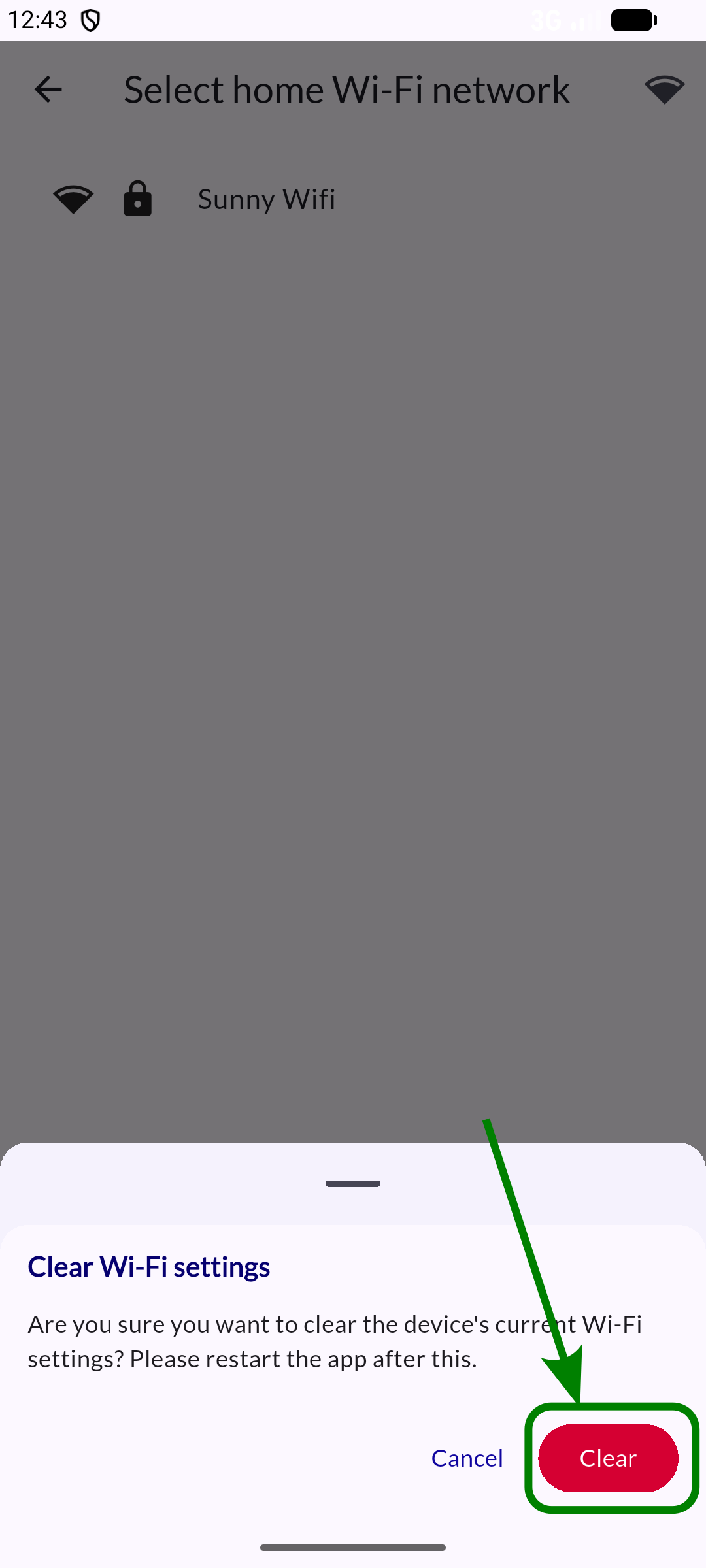
Wi-Fi settings
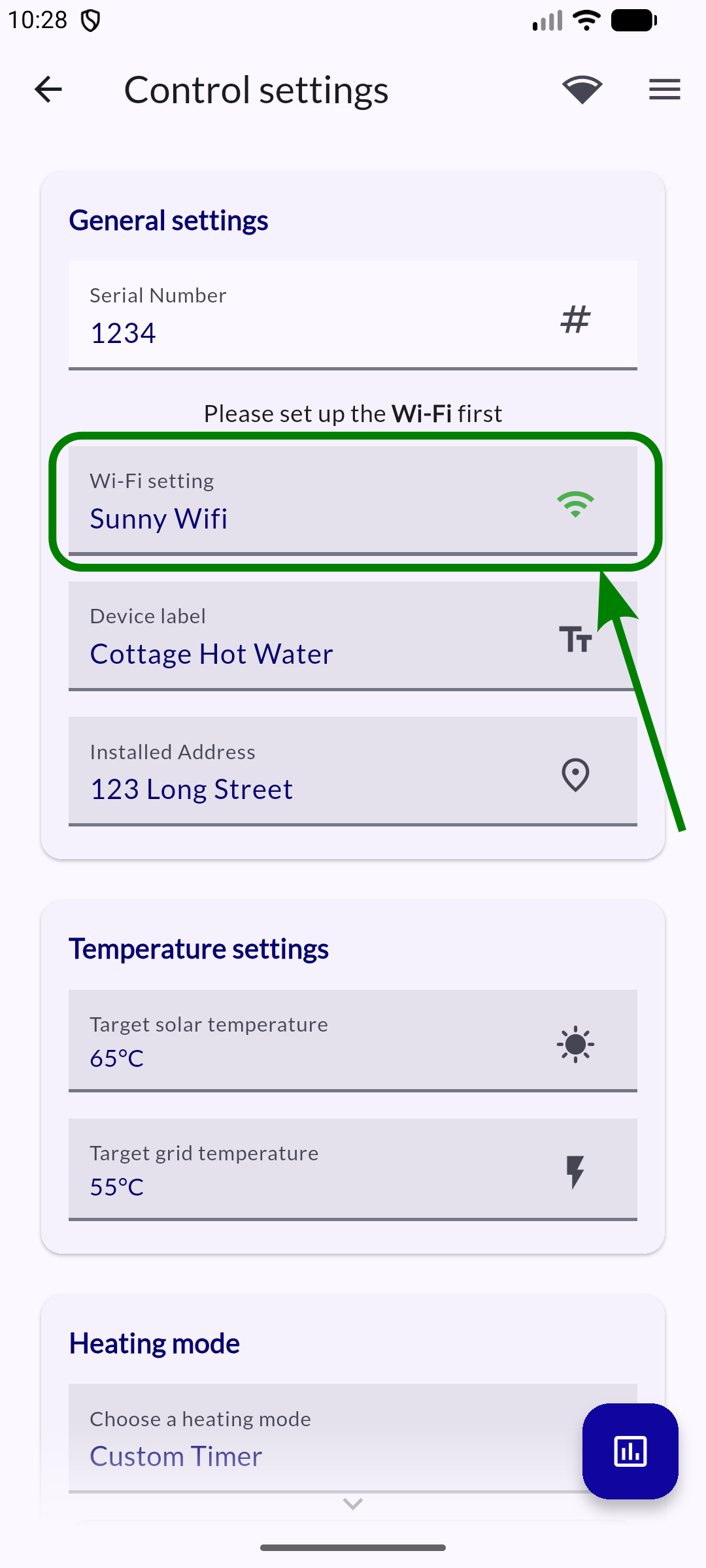
Device label
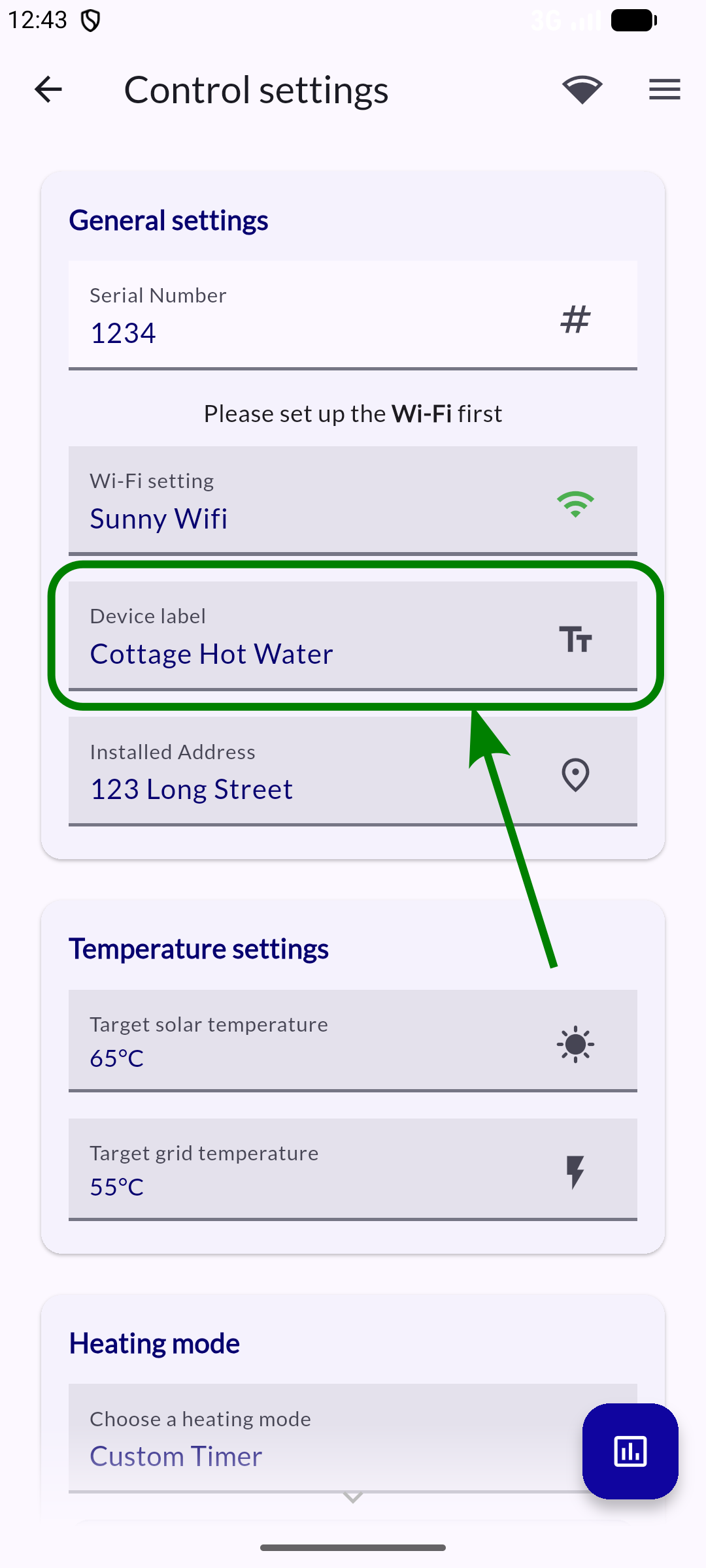
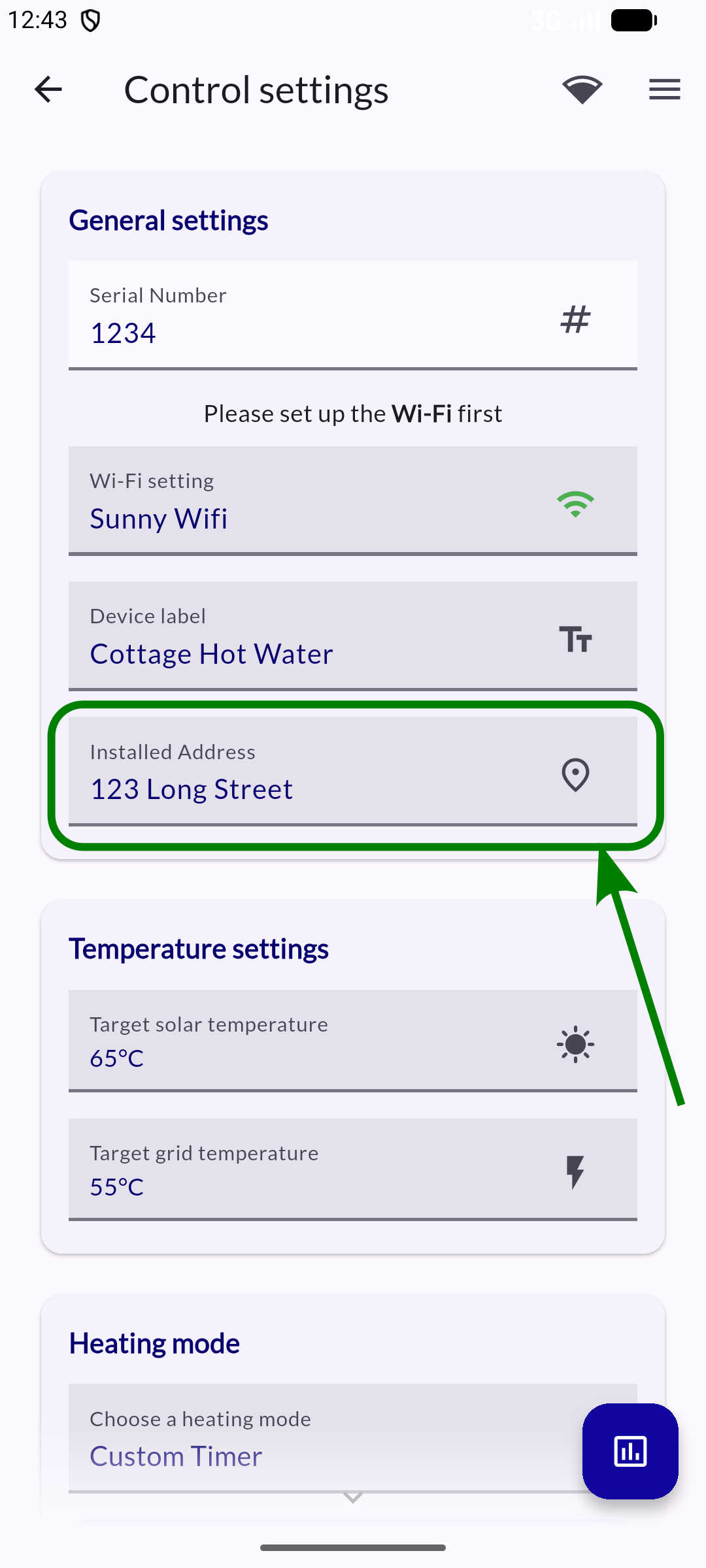
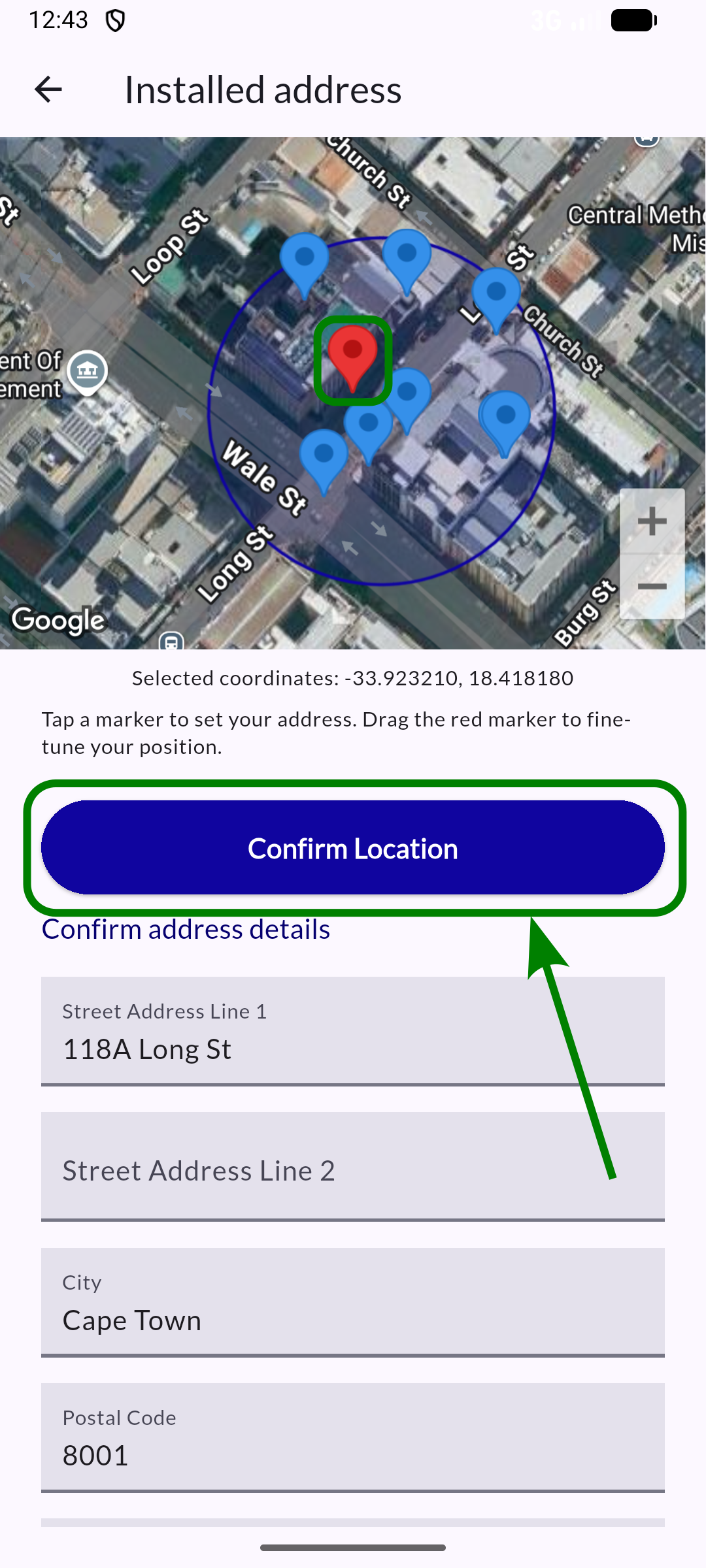
Installed address
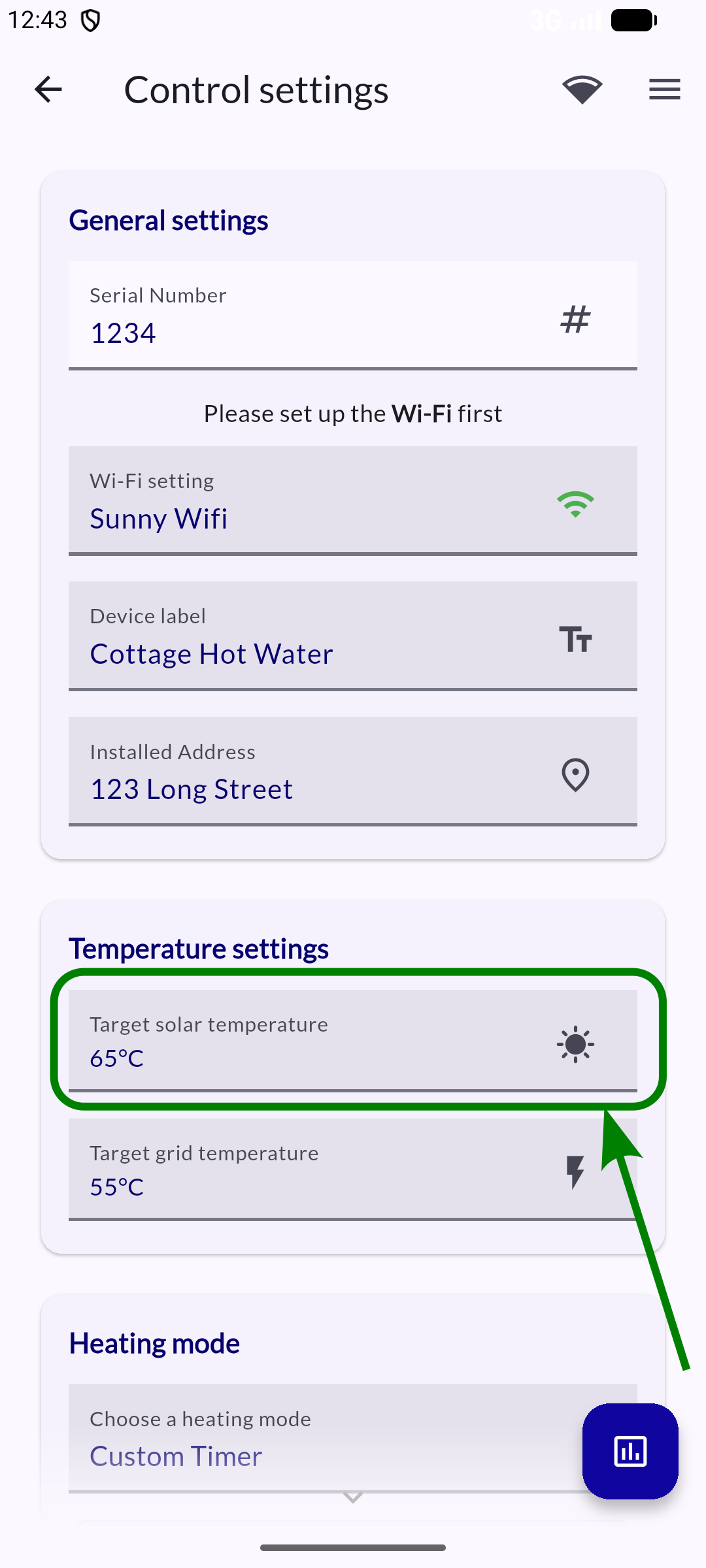
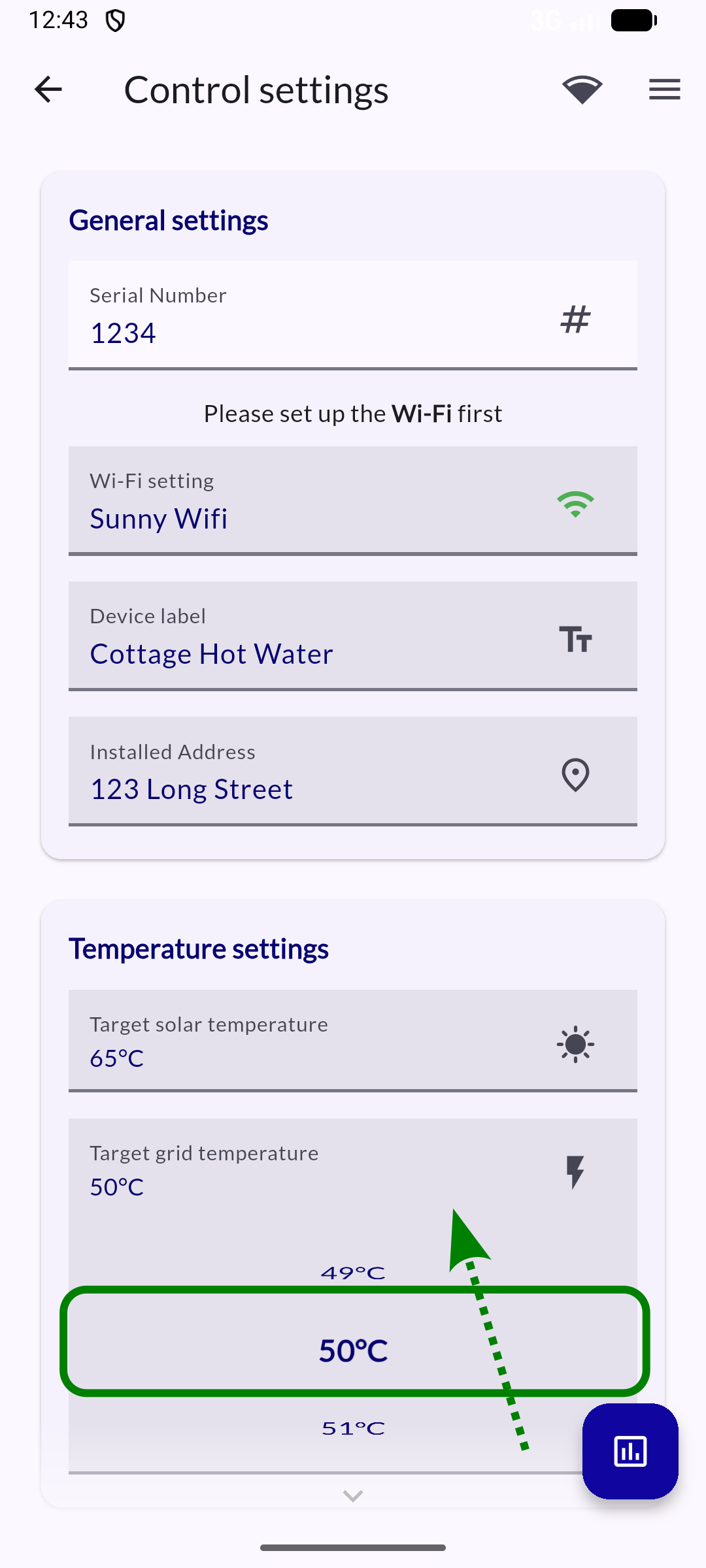
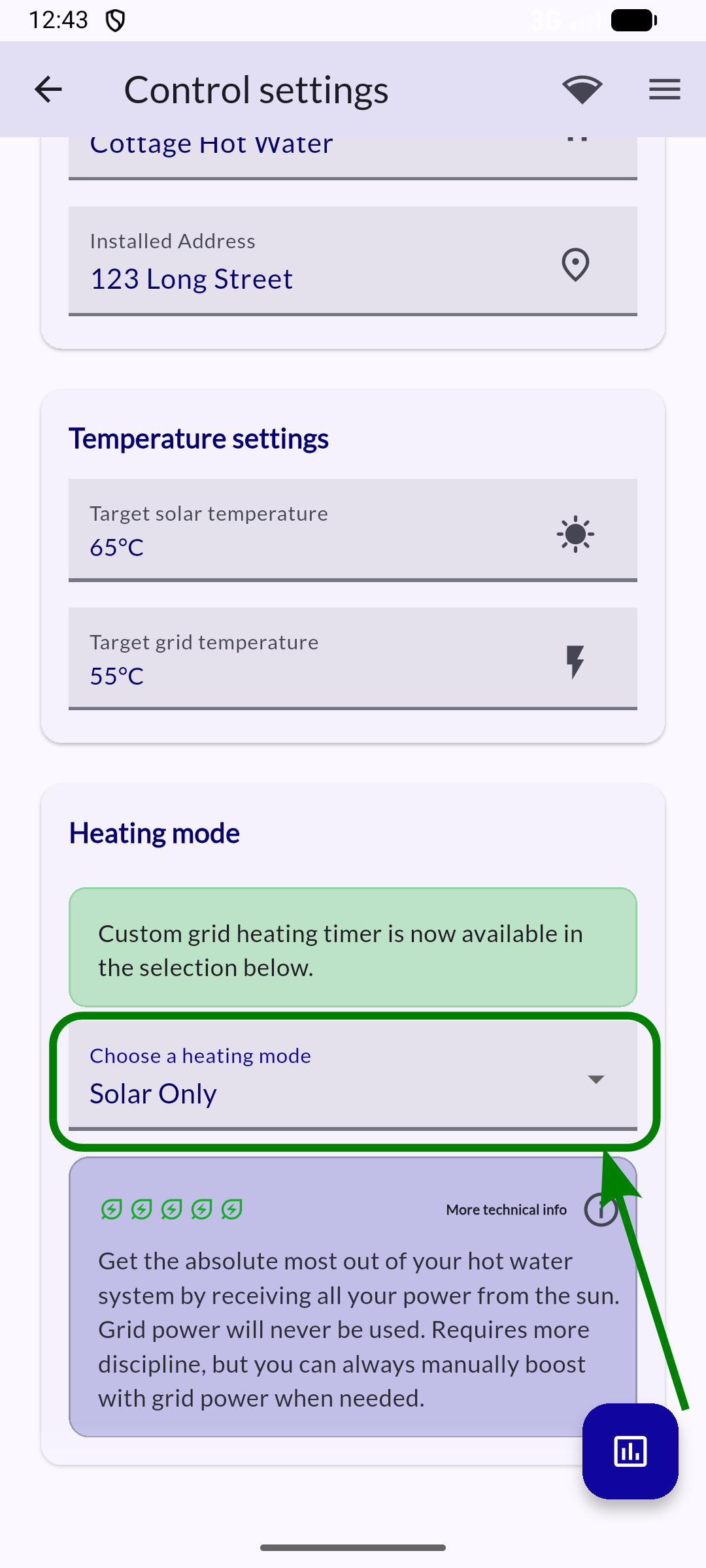
Temperature settings
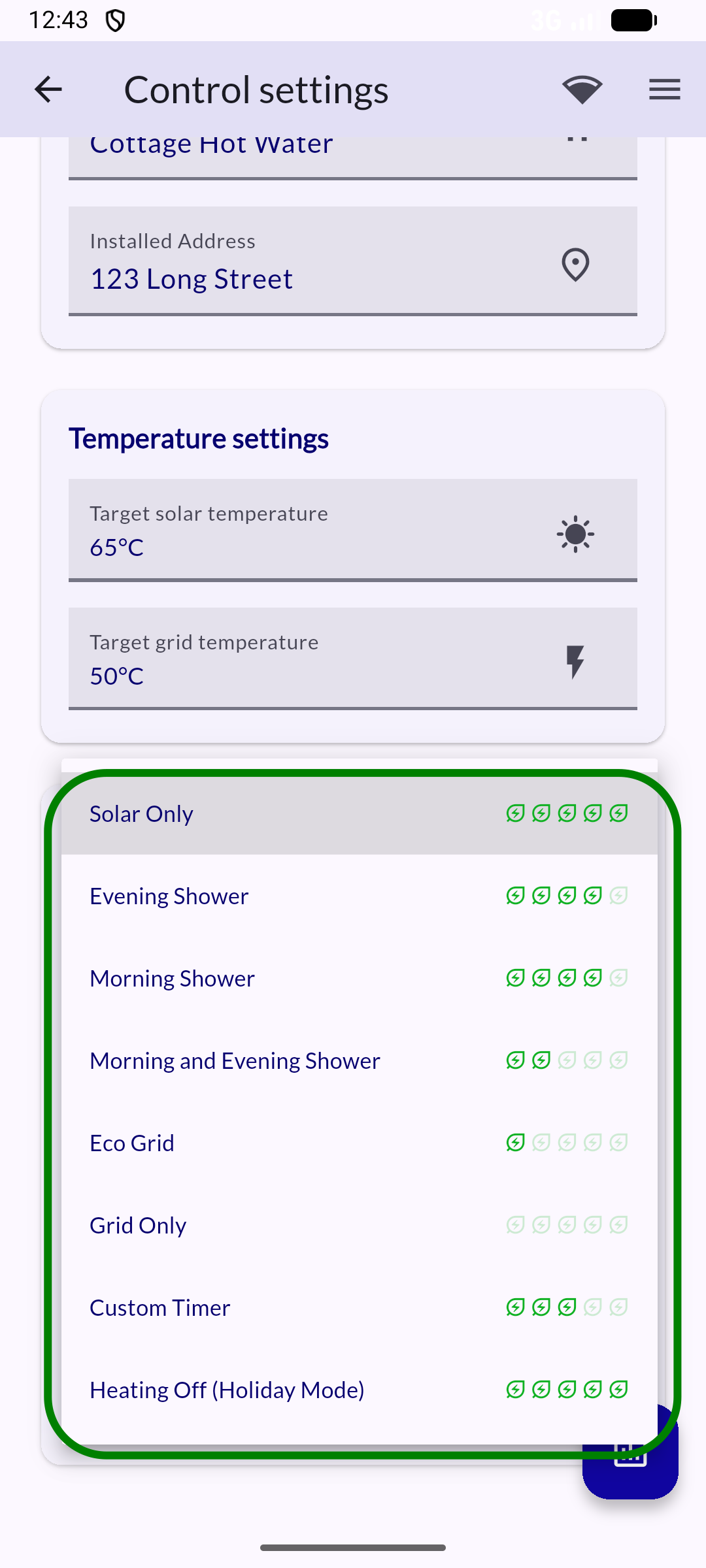
Heating modes
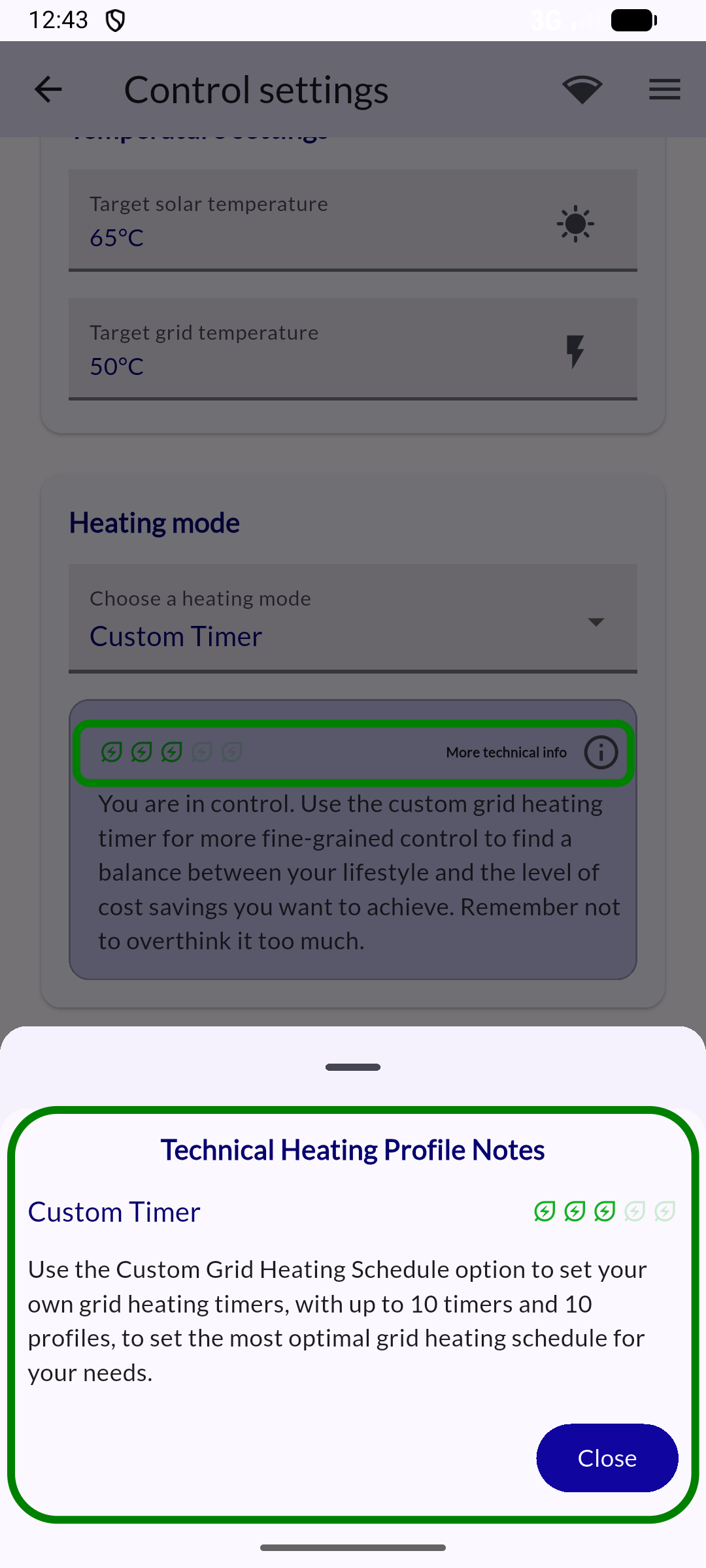
Custom grid heating timer
See the Custom grid heating timer help section for more details.
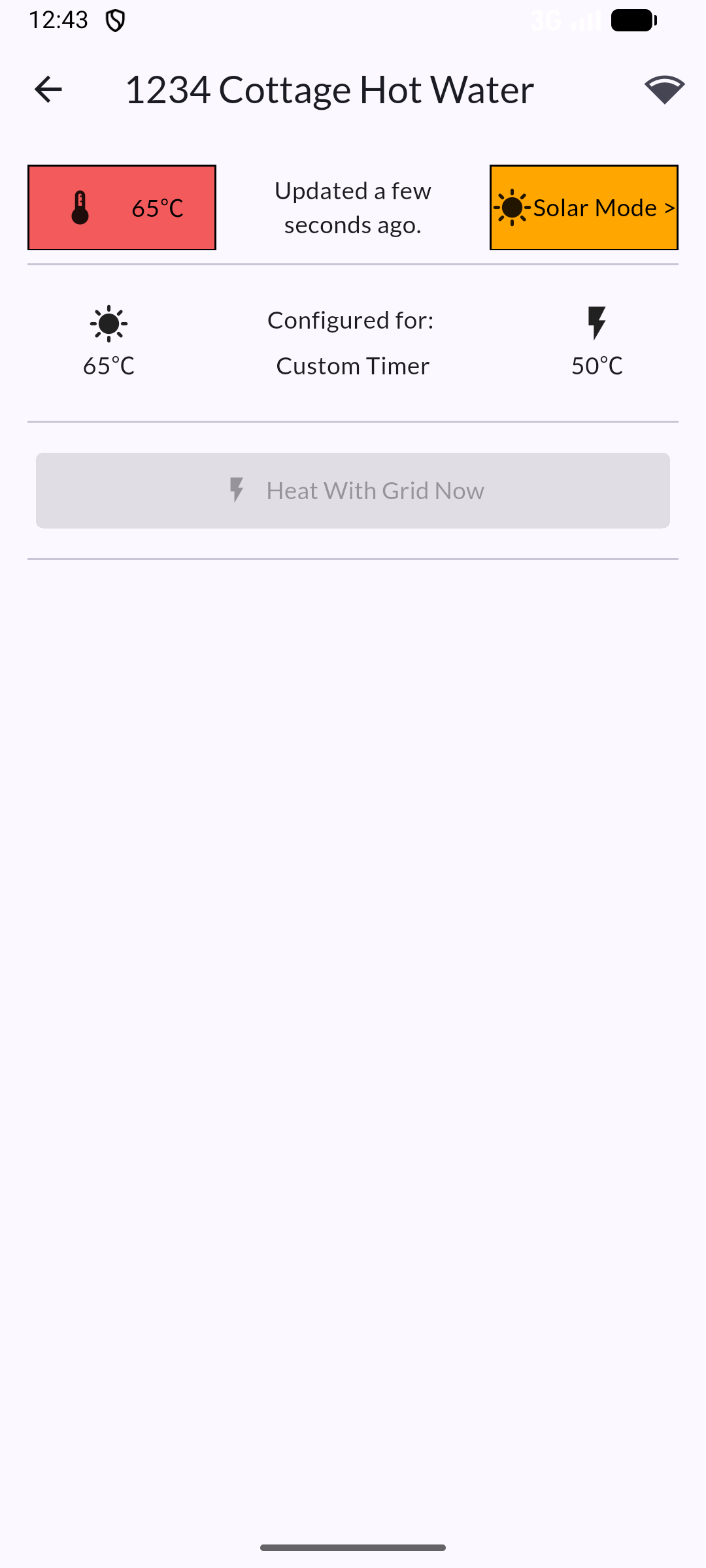
Offline device status
Device status while you are directly connected to the device's Wi-Fi or hotspot, and not from the remote cloud.