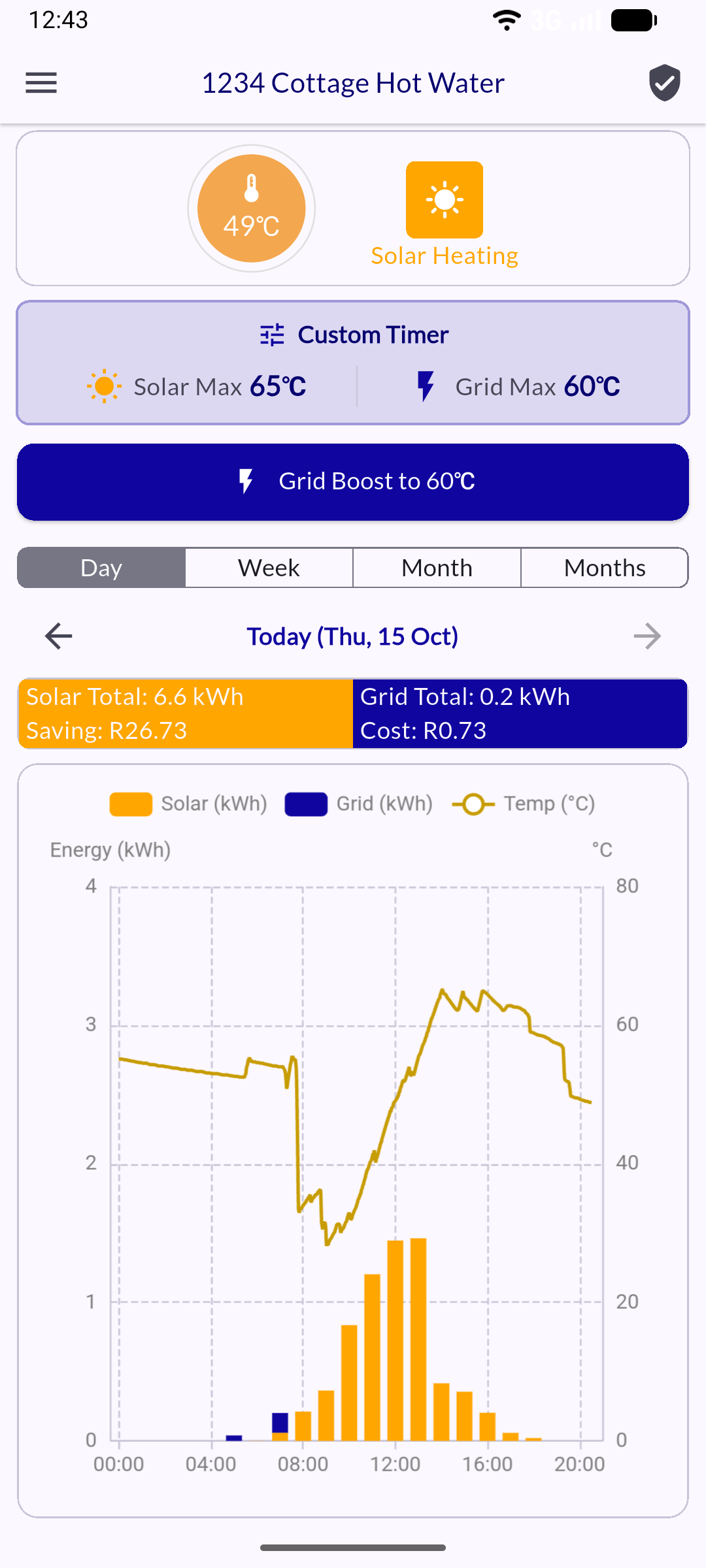
Upgrading the app
If you started using the app before mid-October 2026, please update to version 2 as soon as possible.
This new generation of the mobile app provides a cloud account that unlocks the following features:
- User management: Control who can access your device
- Web portal access: Manage your device from any browser
- Improved data engine: Better live status, temperature and energy charts
Important note for installers who support the product: You can still update all device settings on-site, even if you haven't created a cloud account yet. This process lets homeowners, installers, and service providers transition to the new app with ease.
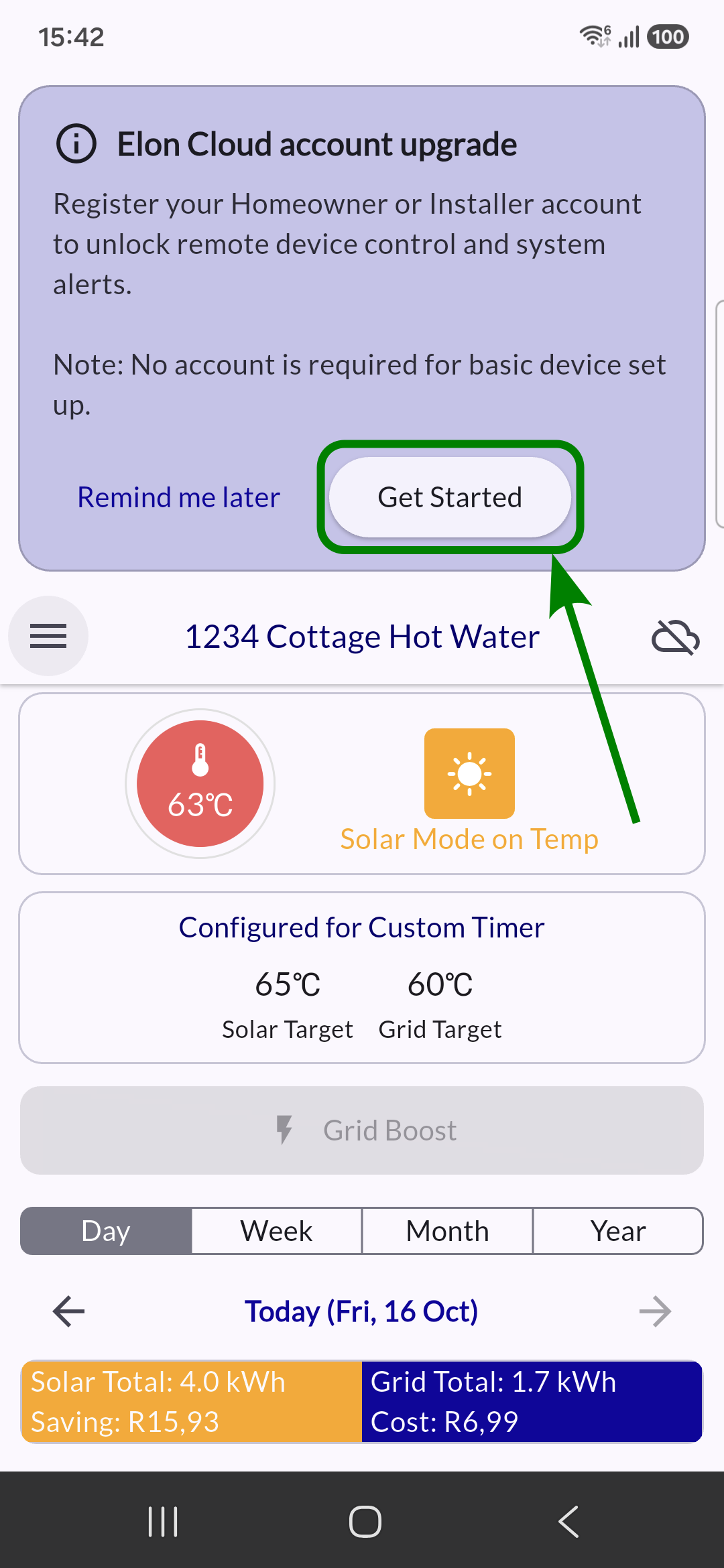
When you open version 2 for the first time, you'll see a banner at the top of the app screen. Click on "Get Started".
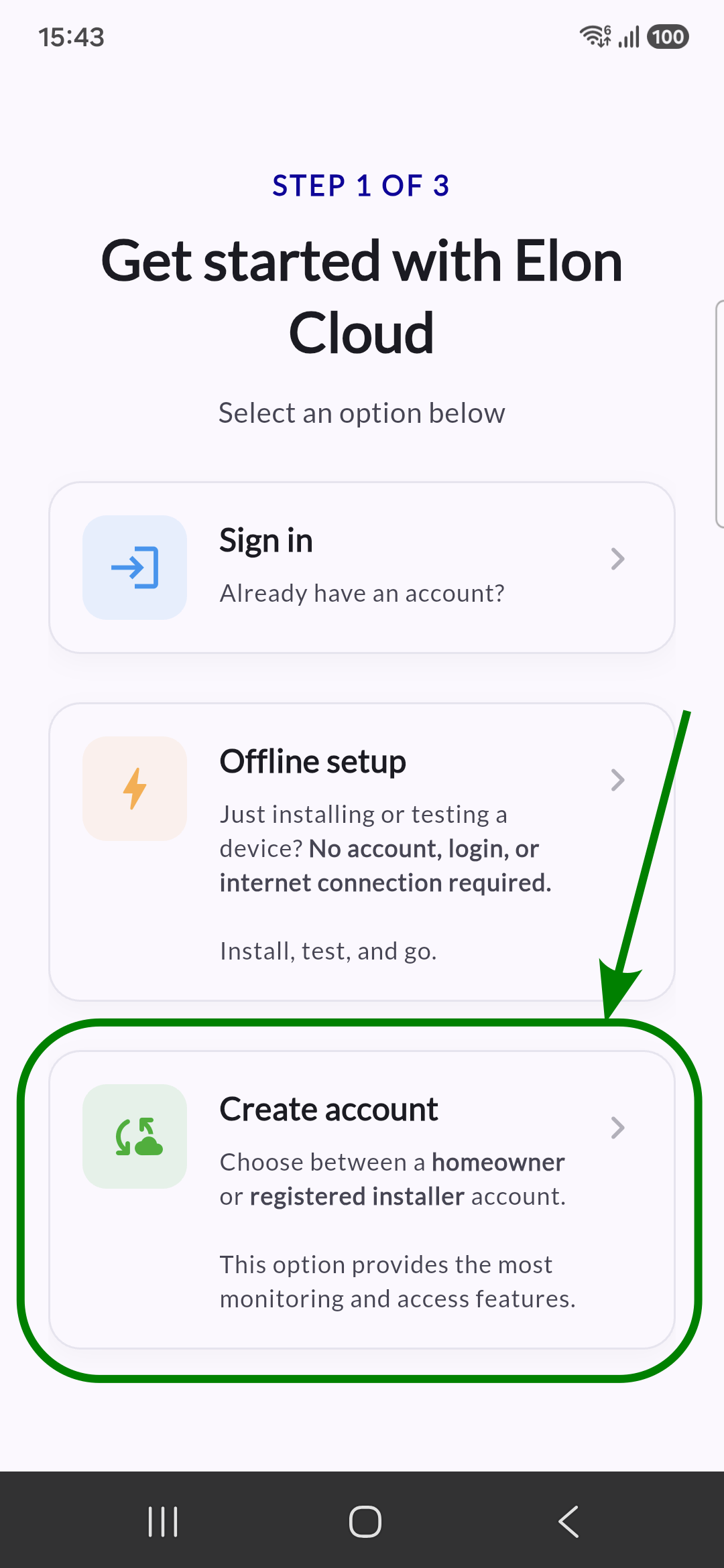
Select "Create account".
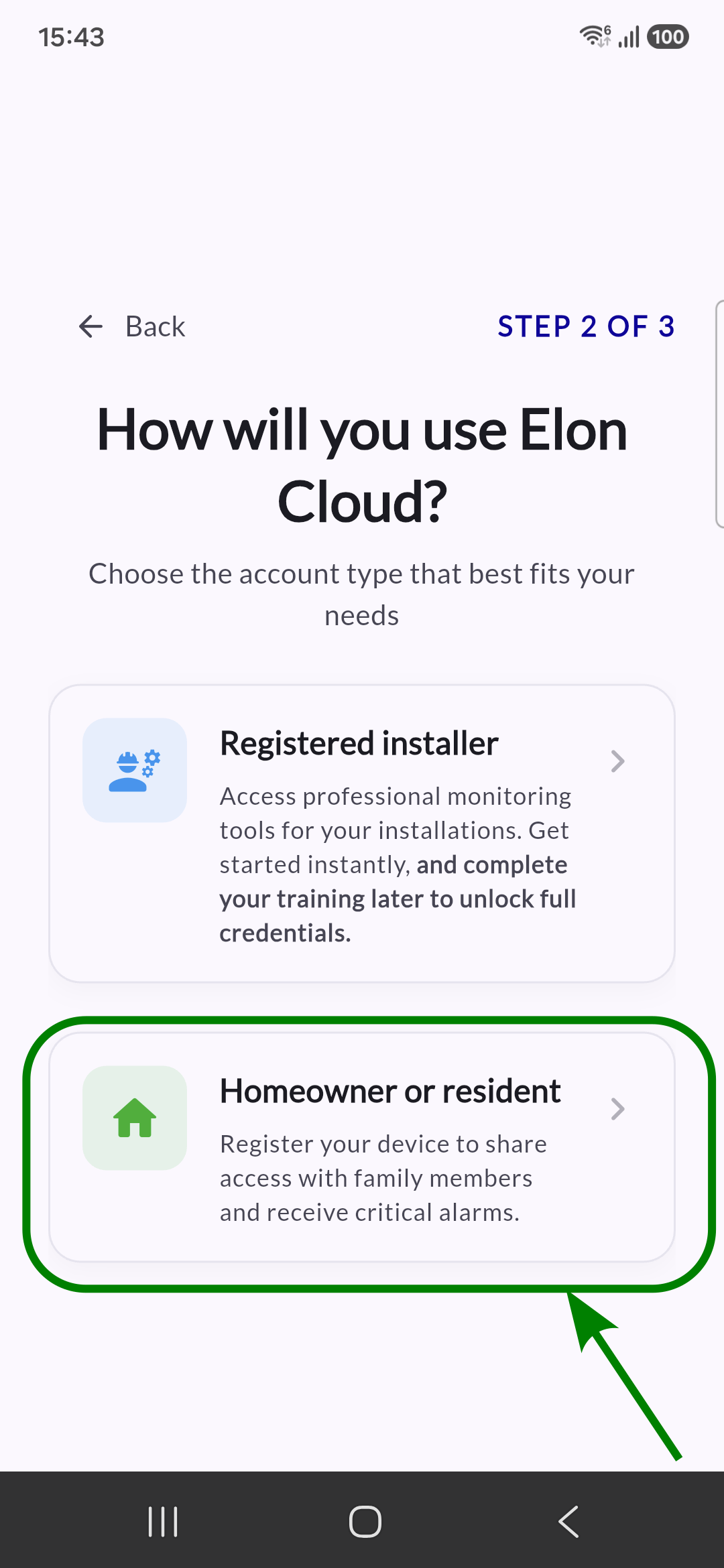
Select "Homeowner or resident" (If you are an installer, you don't need these upgrade steps).
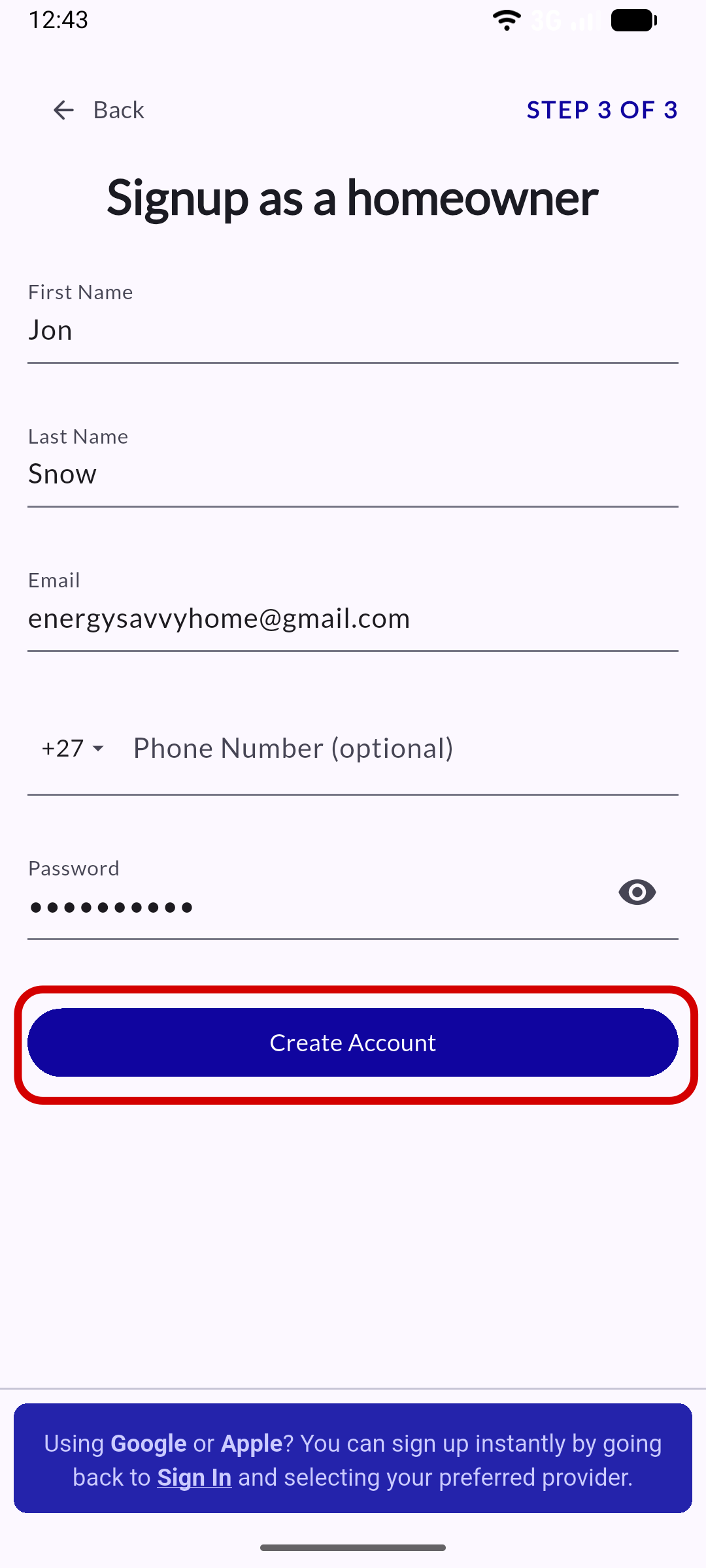
Complete your details and select "Create Account."
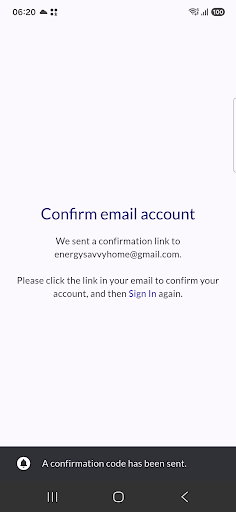
After you create an account, you will be taken to a confirmation page. Please follow its instructions before signing in for the first time.
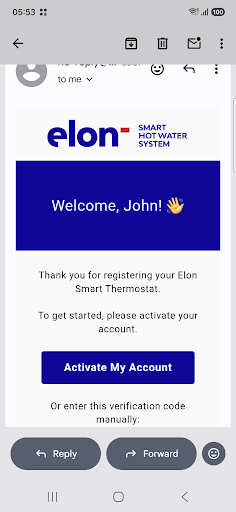
Go to your email and select "Activate My Account".
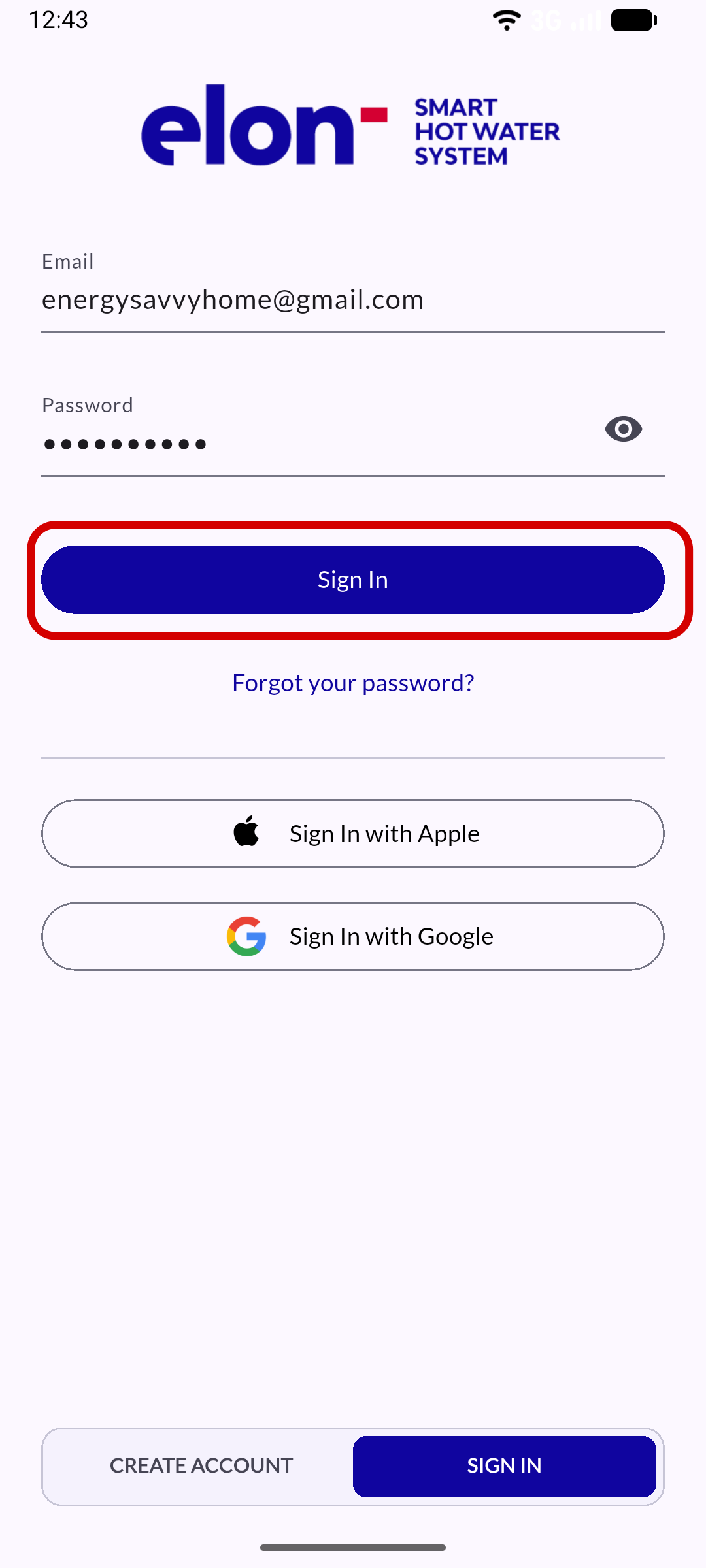
The app will open again, and your account has now been verified! Proceed to "Sign In".
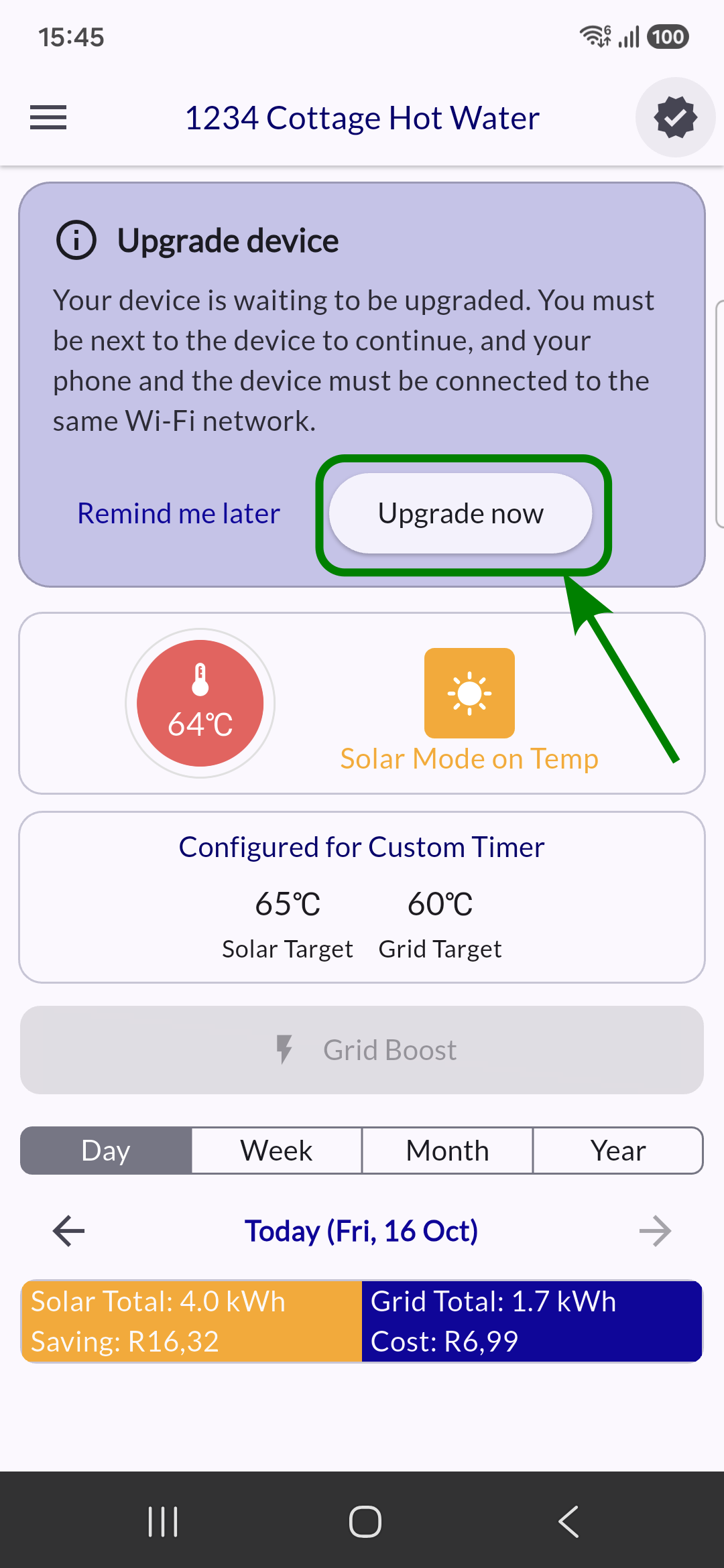
When you open the device again, you will see an "Upgrade device" banner. You must be next to the device to continue, and your phone and the device must be connected to the same Wi-Fi network.
If this is correct, select "Upgrade now."
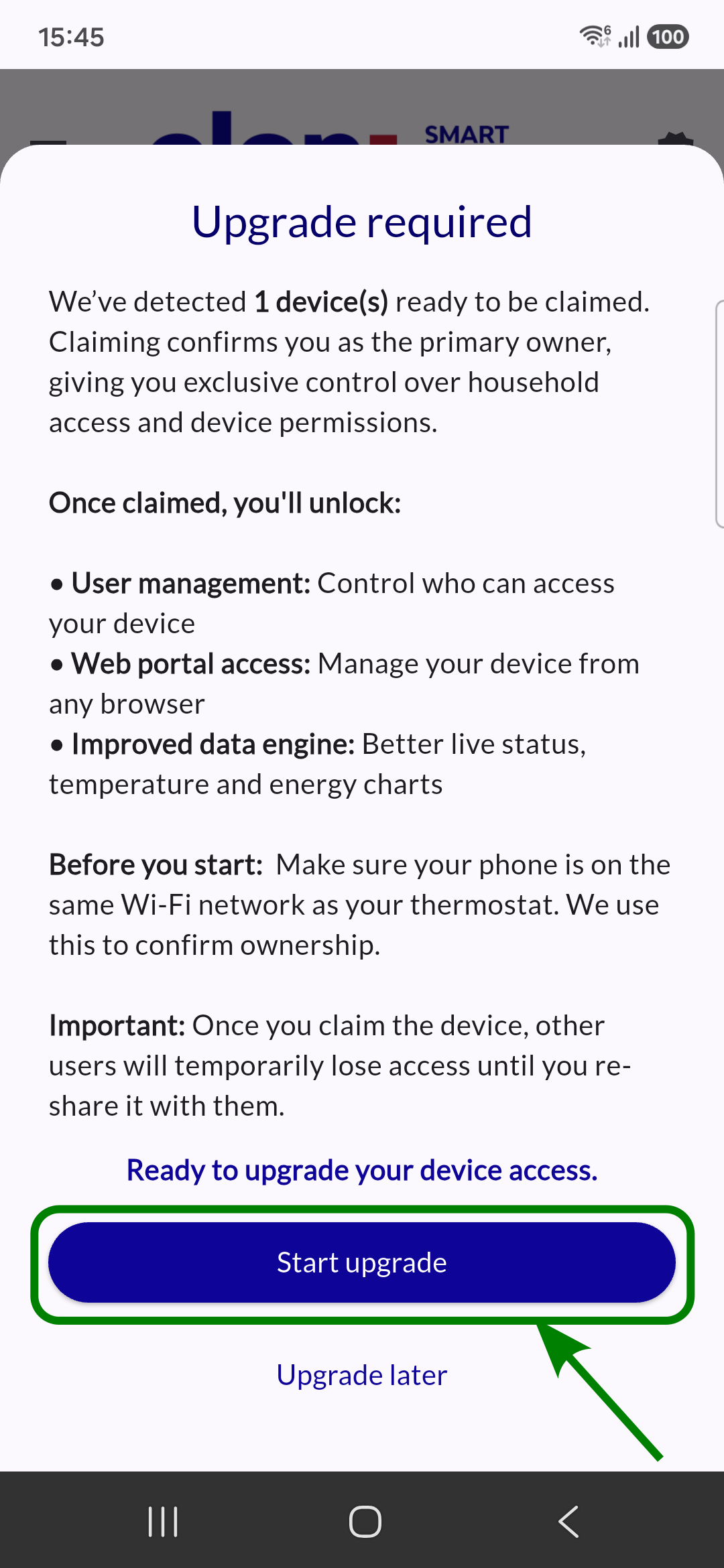
Once the process confirms you're next to the device, a detailed "Upgrade required" message will appear. Select "Start upgrade."
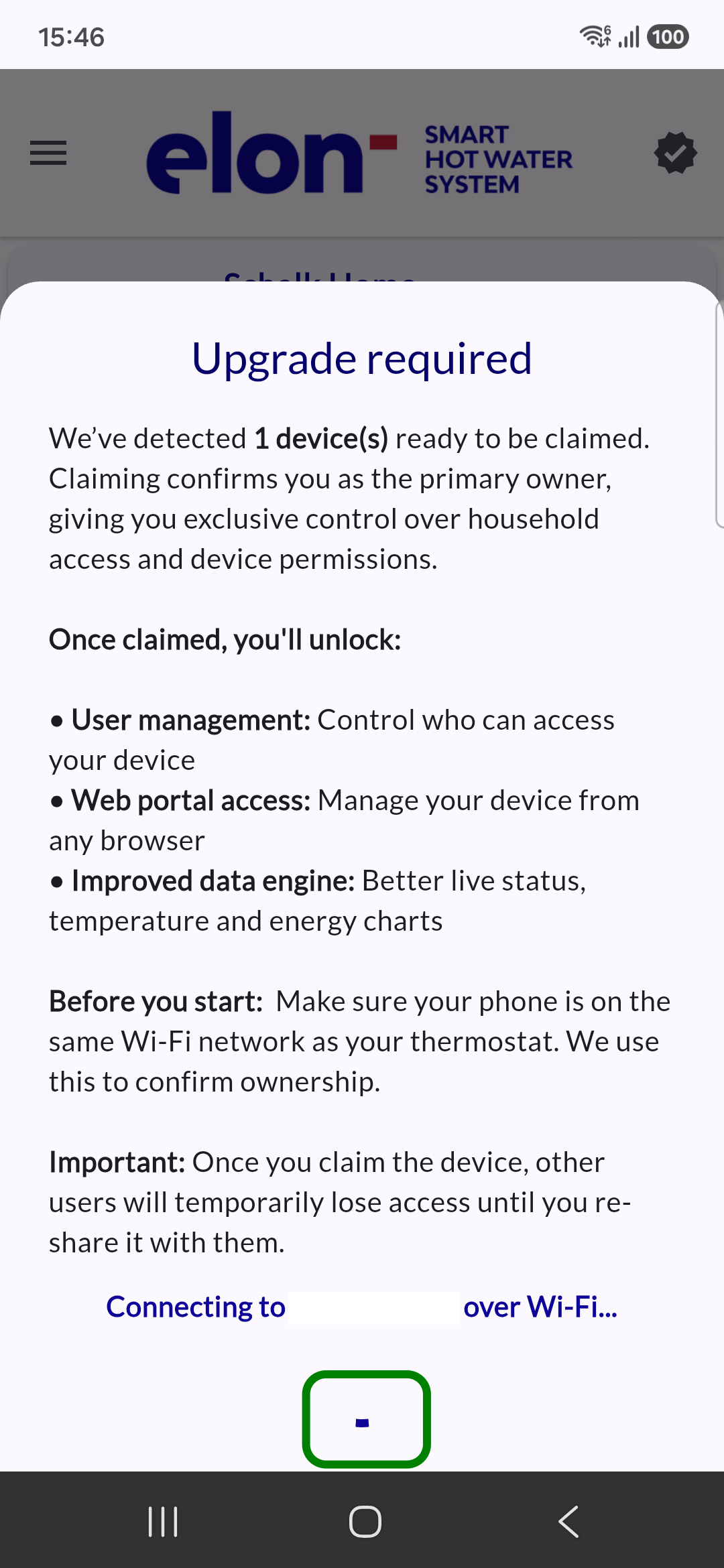
Wait for the process to complete.
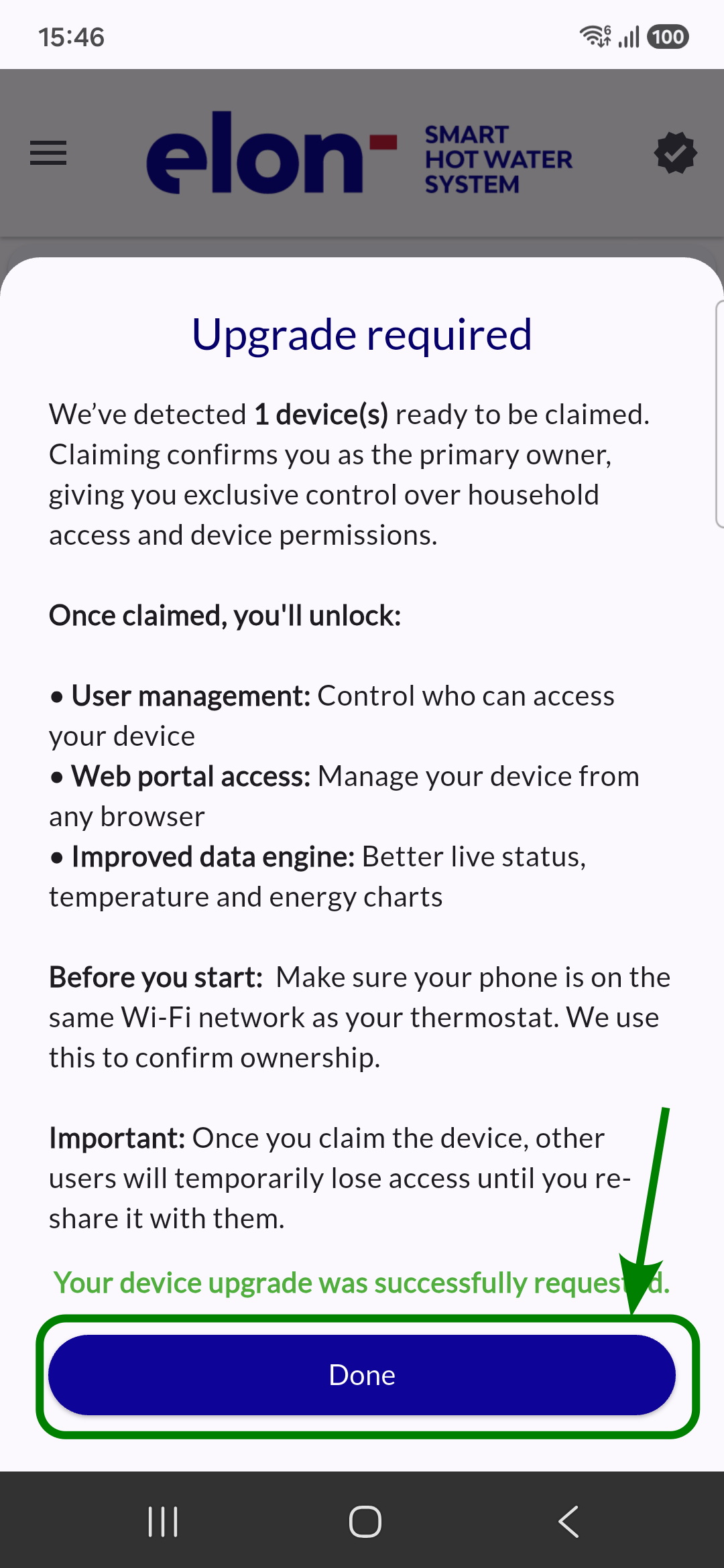
And success.
Your device status page will now look slightly different at first glance, but it has many more features to explore.