Add and set up a new device as installer
Once you have created an account and signed in, proceed to set up your client's device.
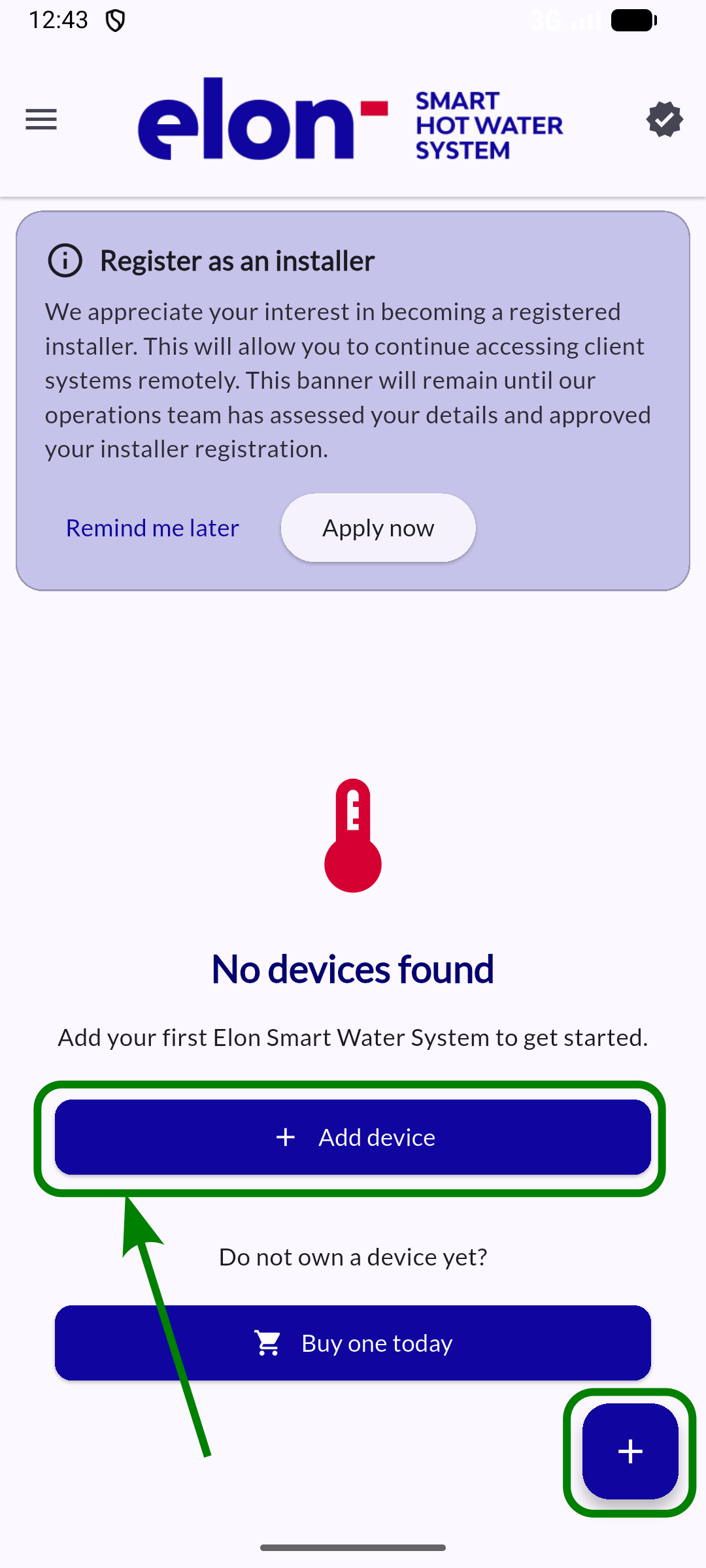
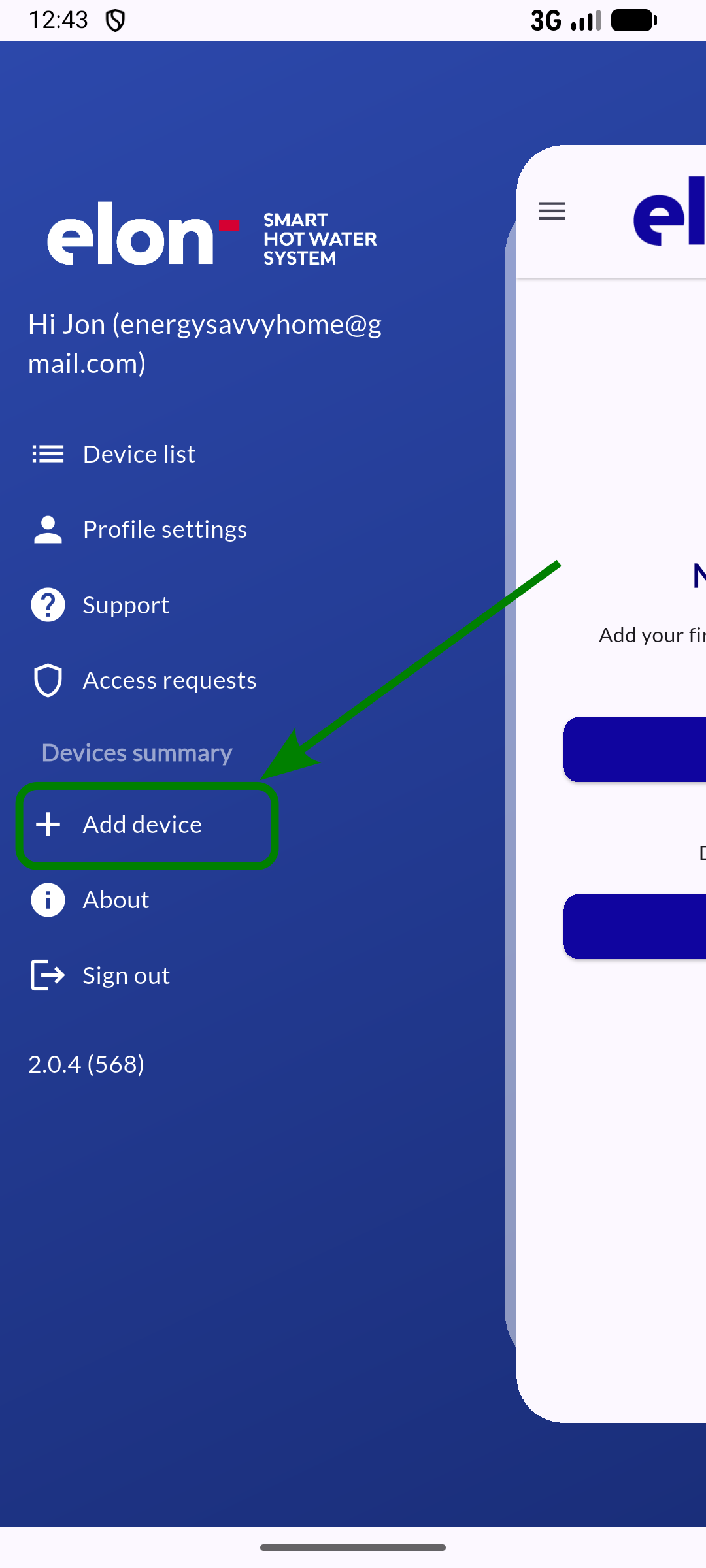
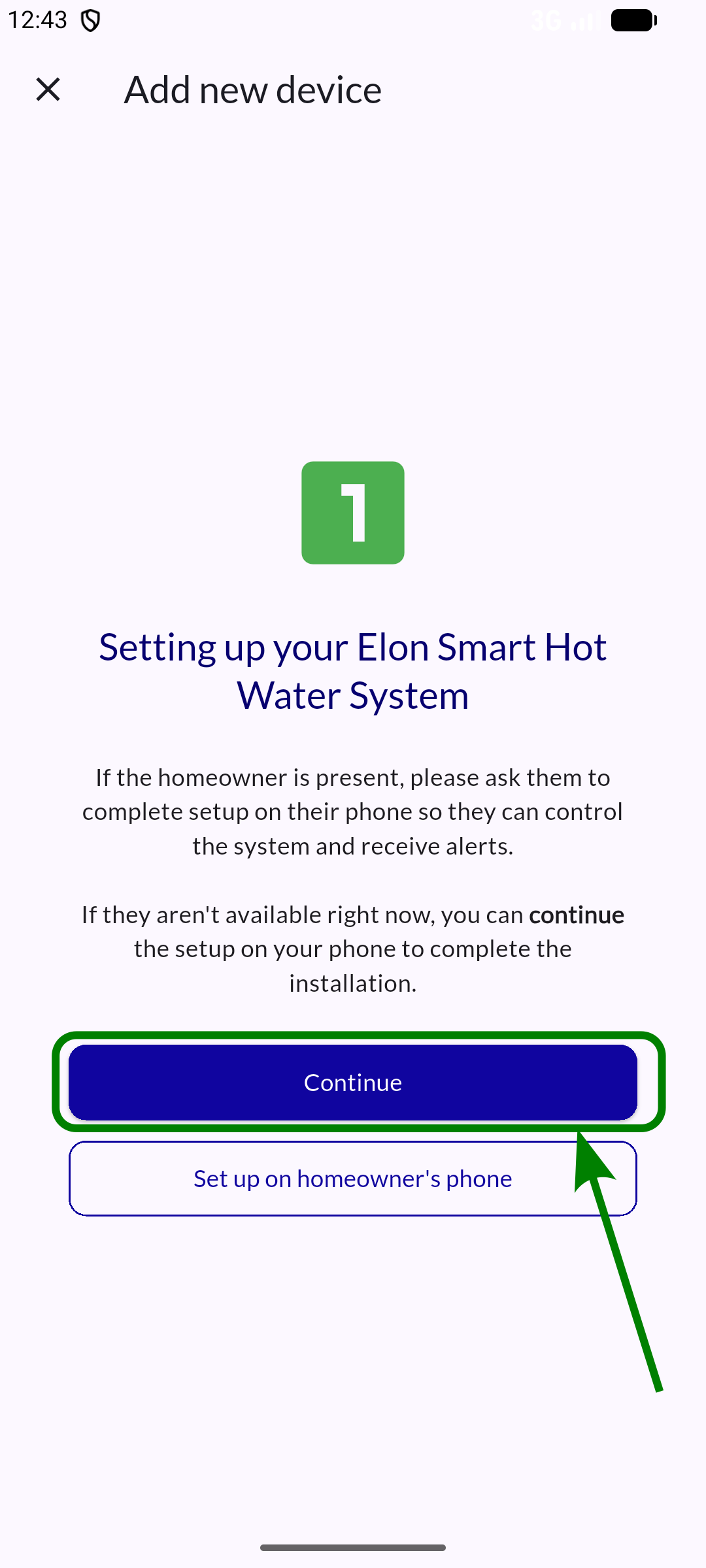
Step 1: Check if the homeowner is present
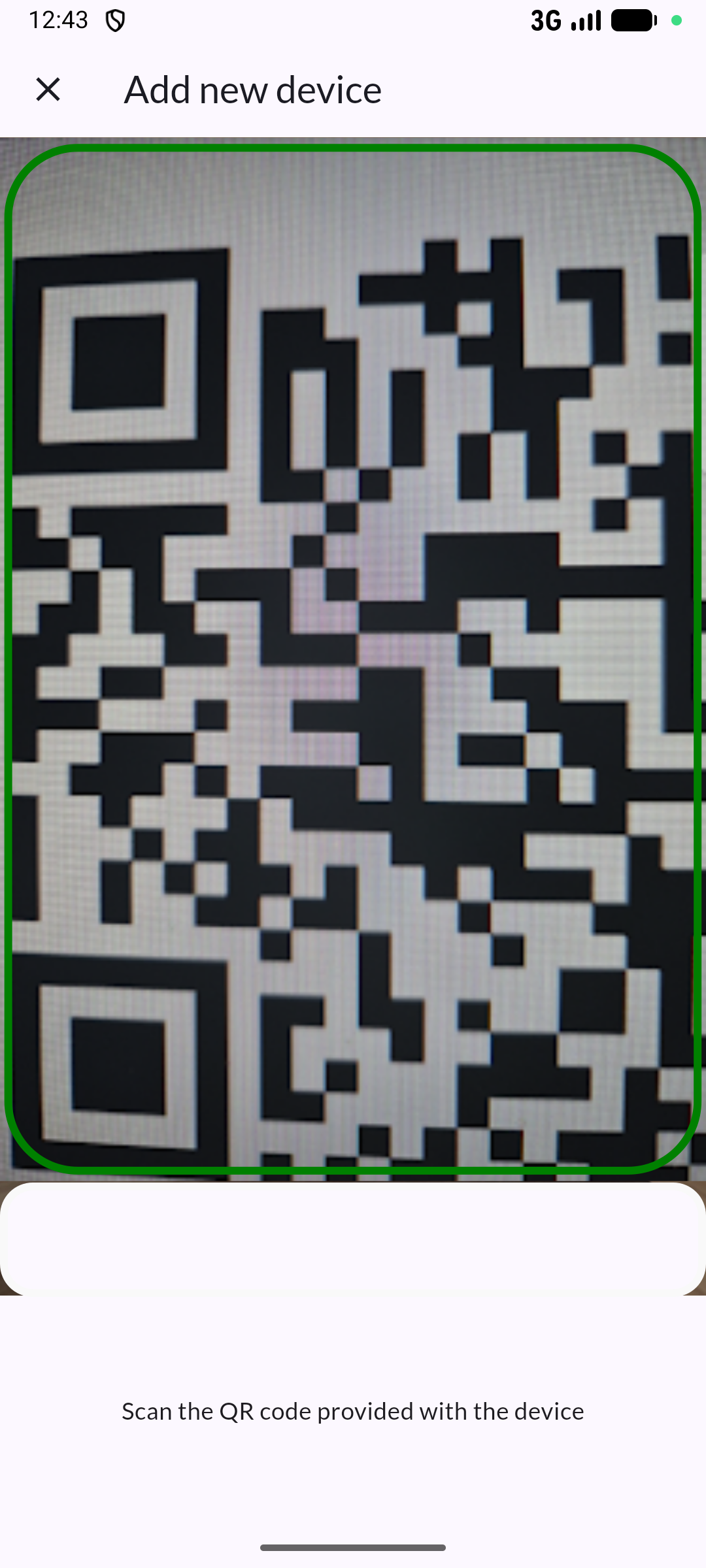
Step 2: Scan the device QR code
Step 3: Choose ownership level
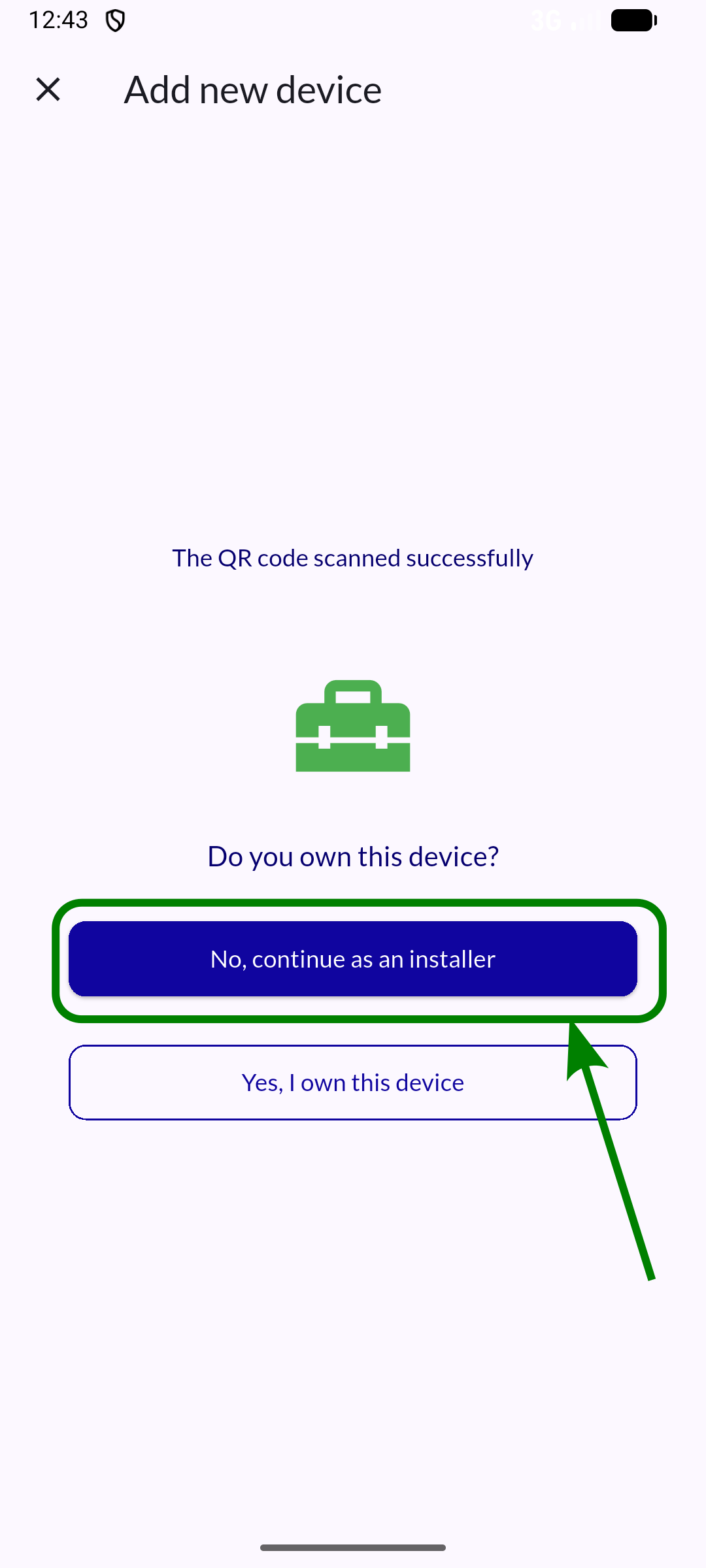
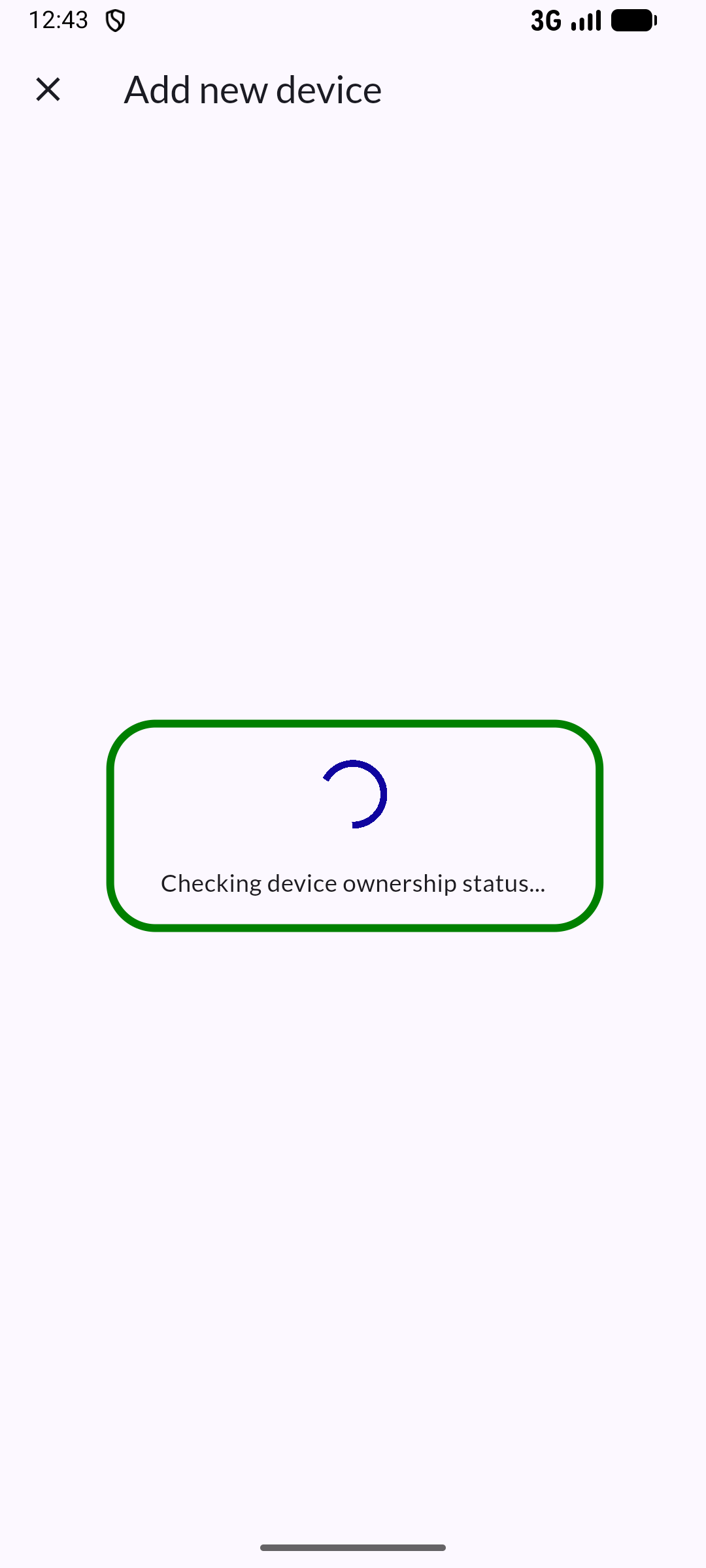
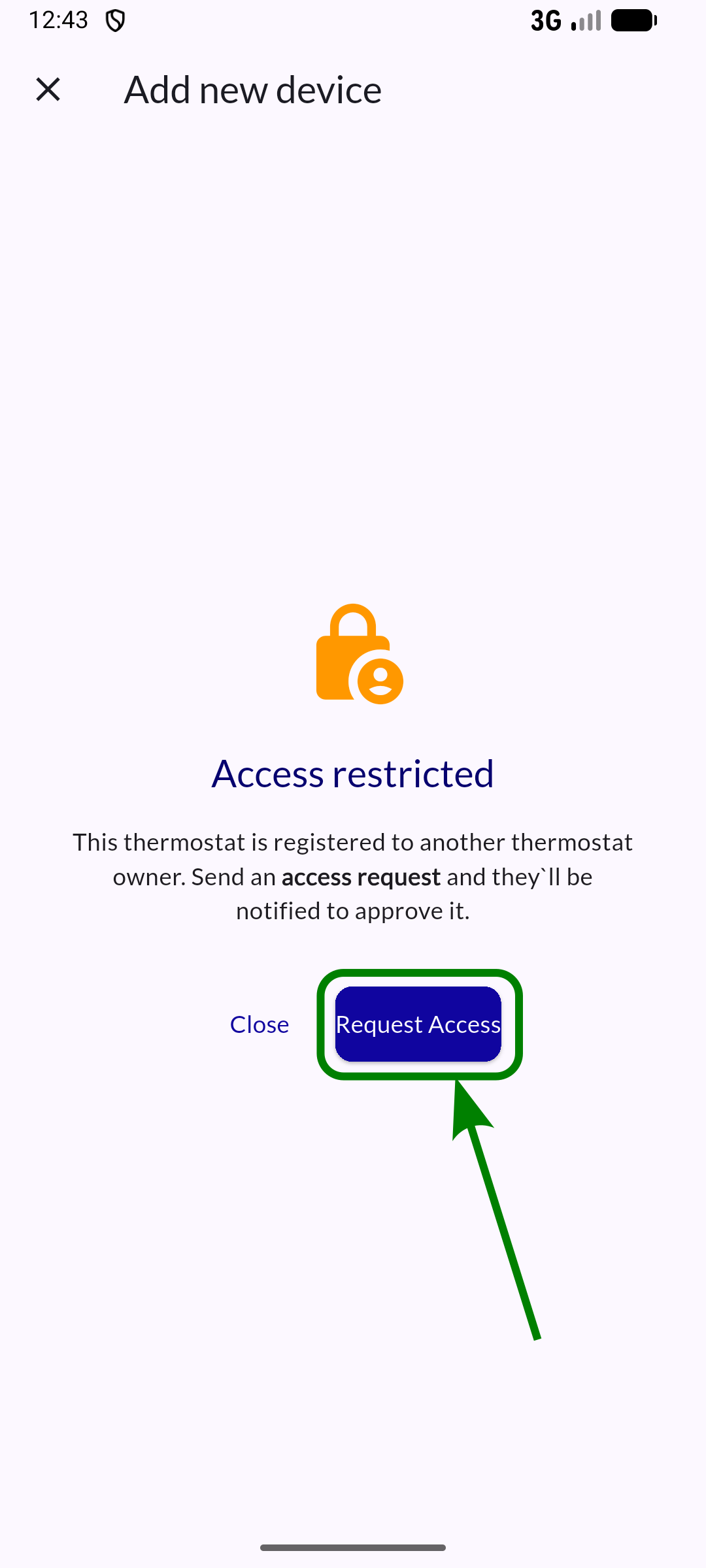
Step 4: Confirm ownership on the system
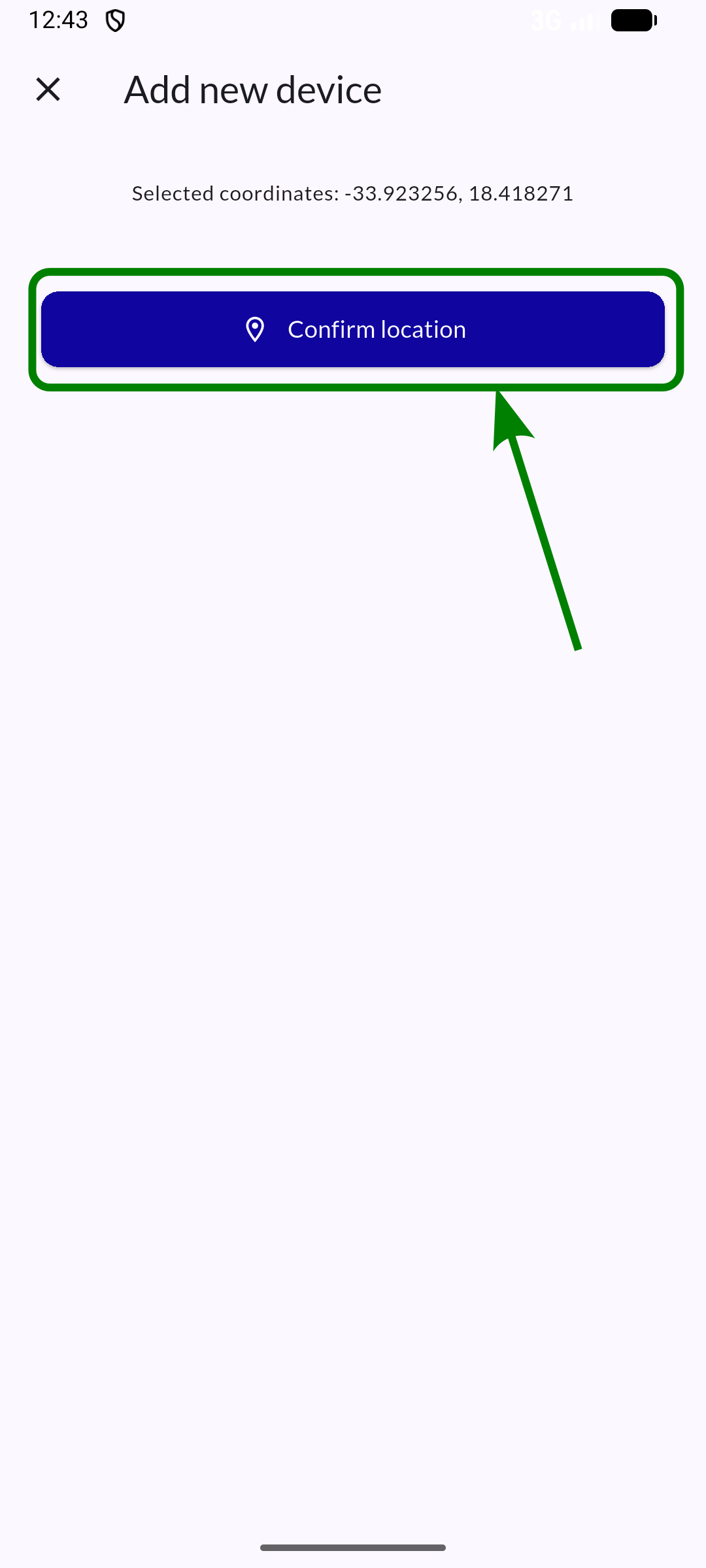
Step 5: Confirm location
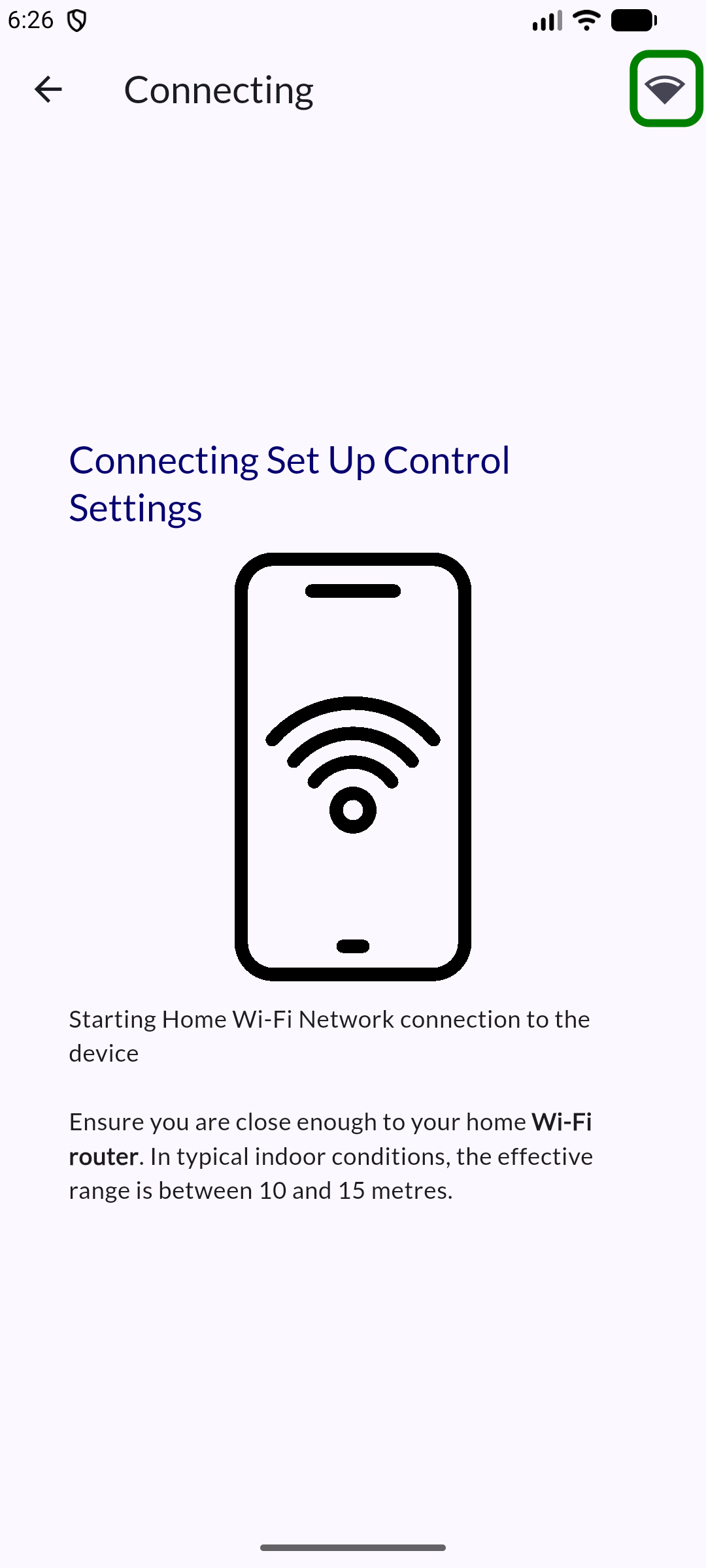
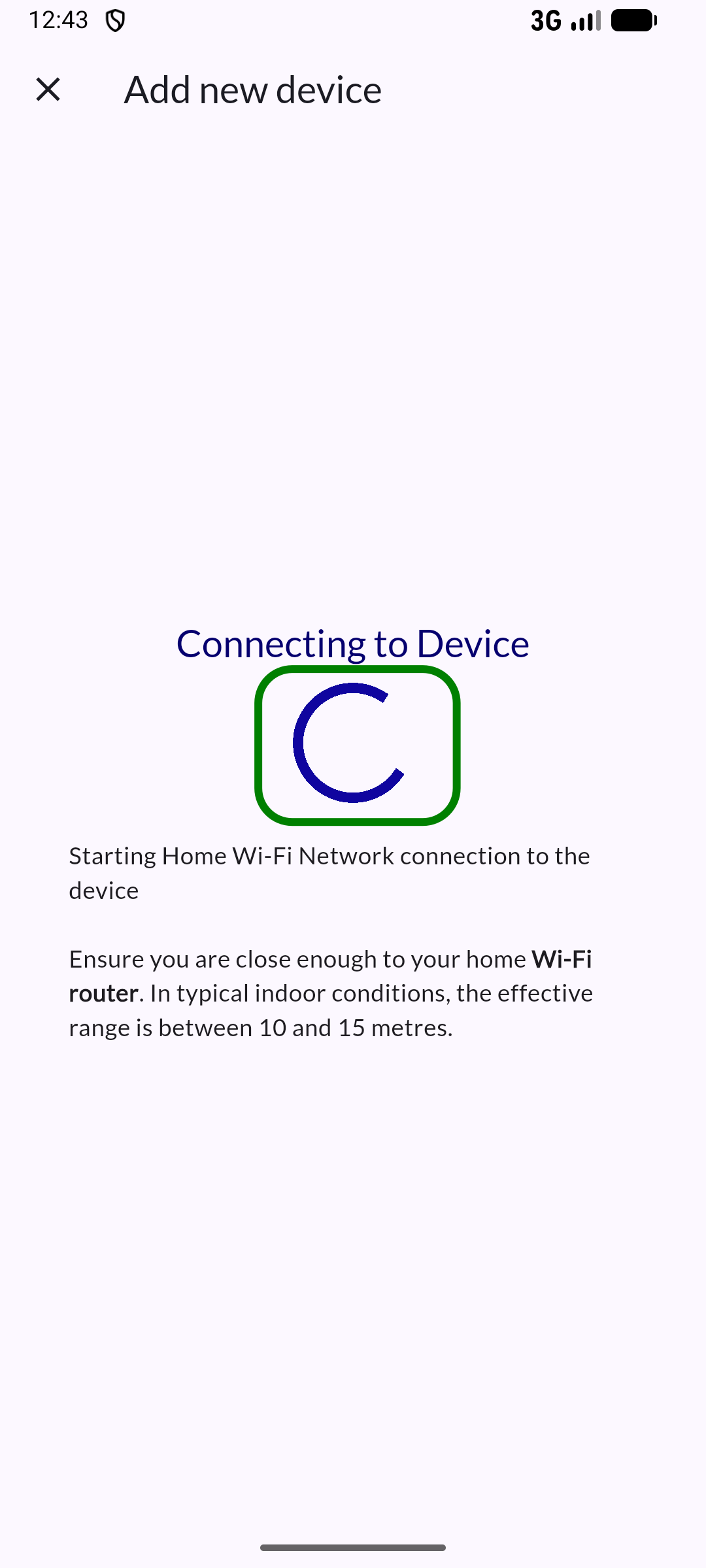
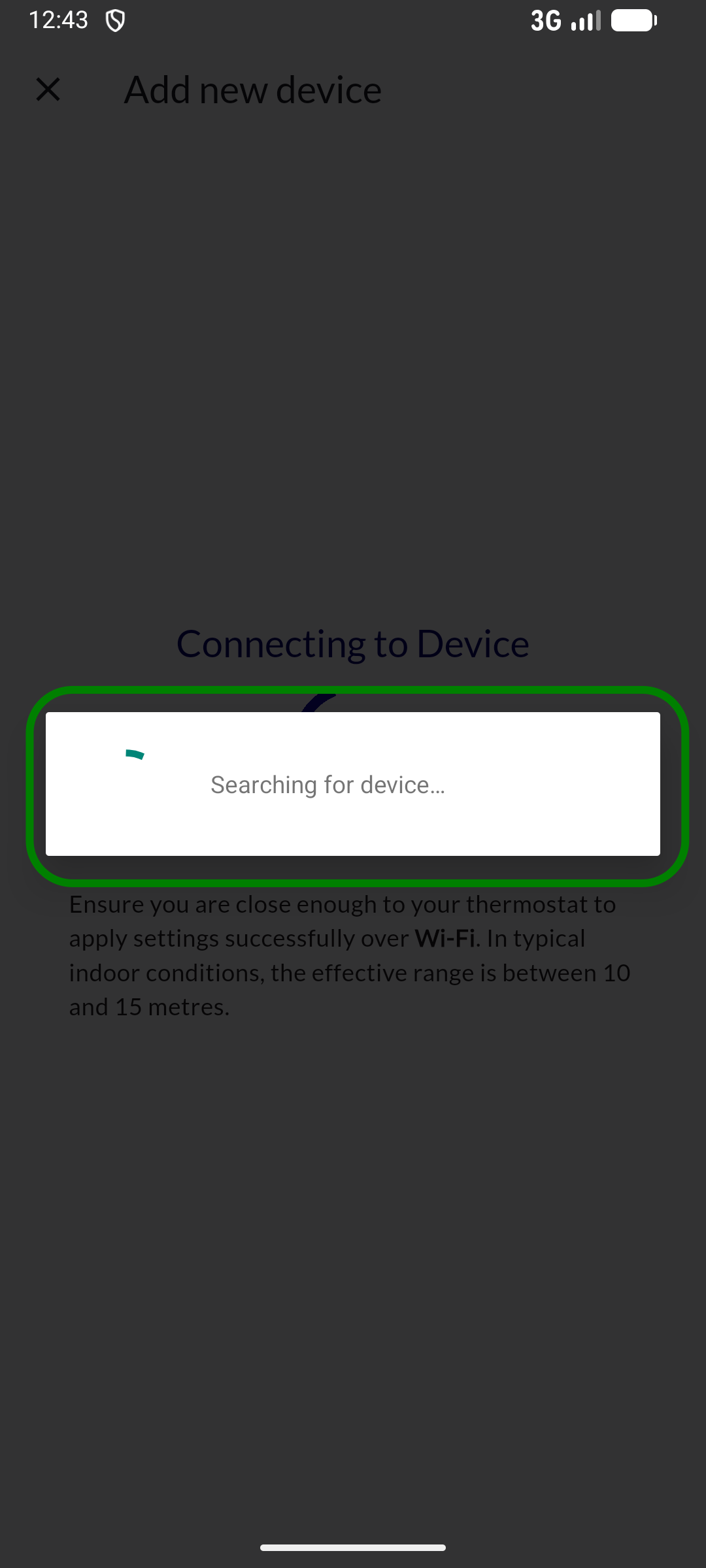
Step 6: Connect to device
Fault finding
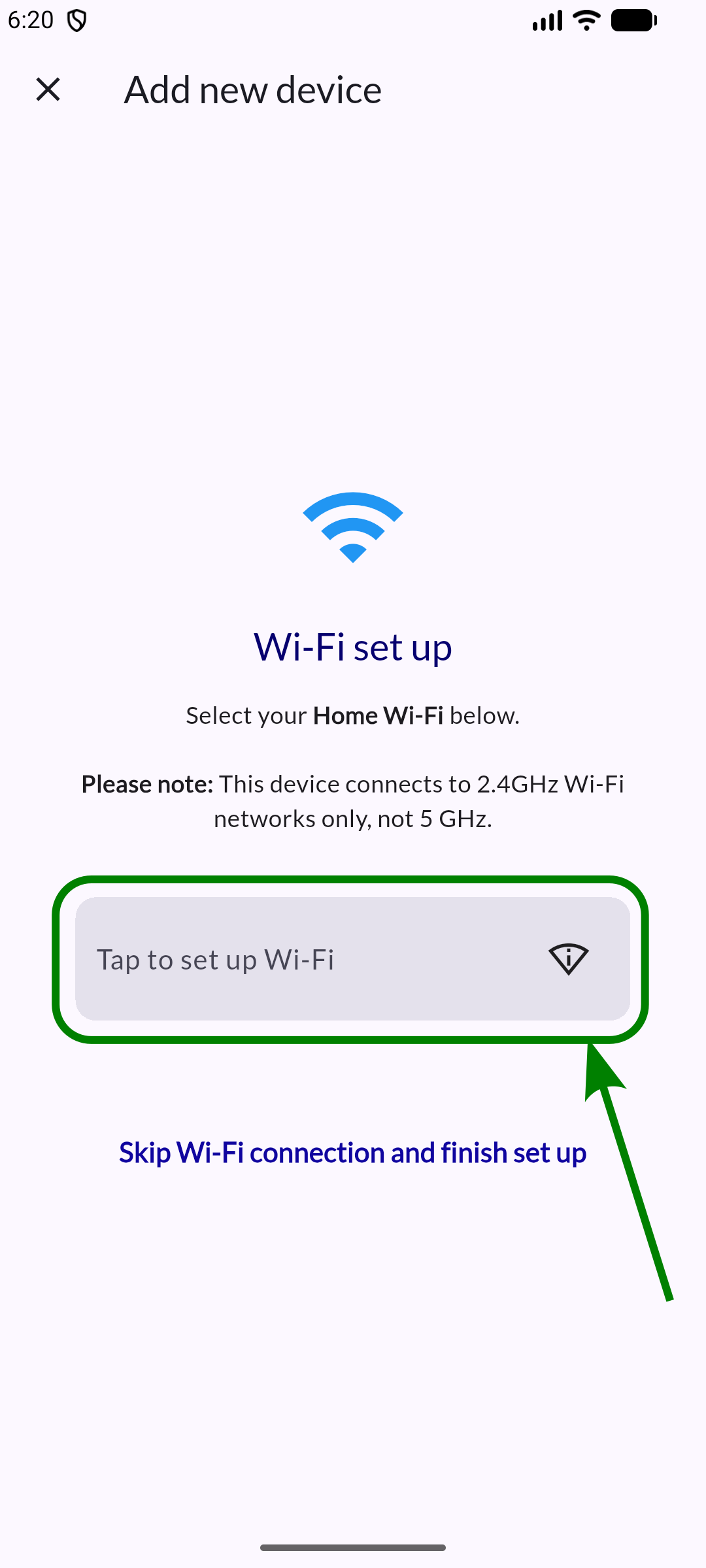
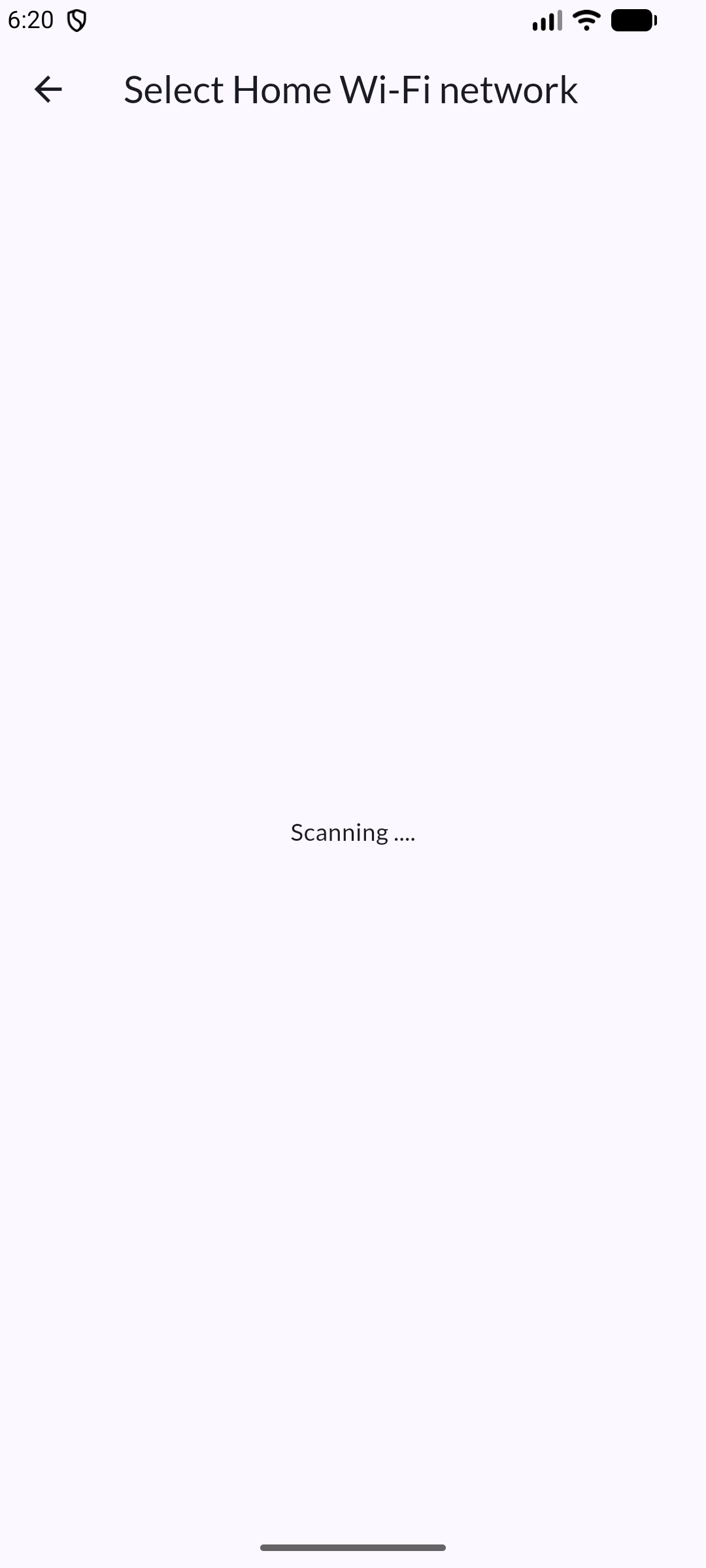
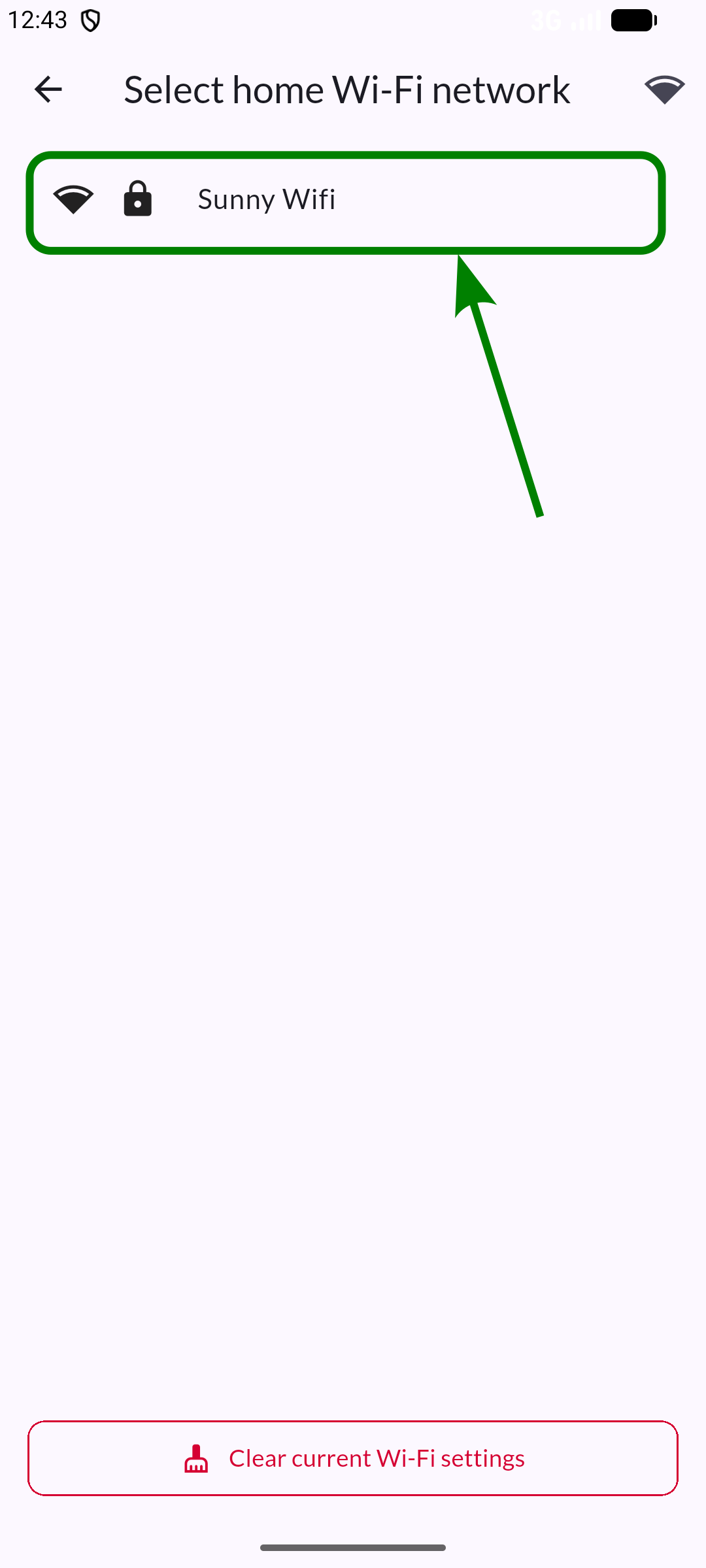
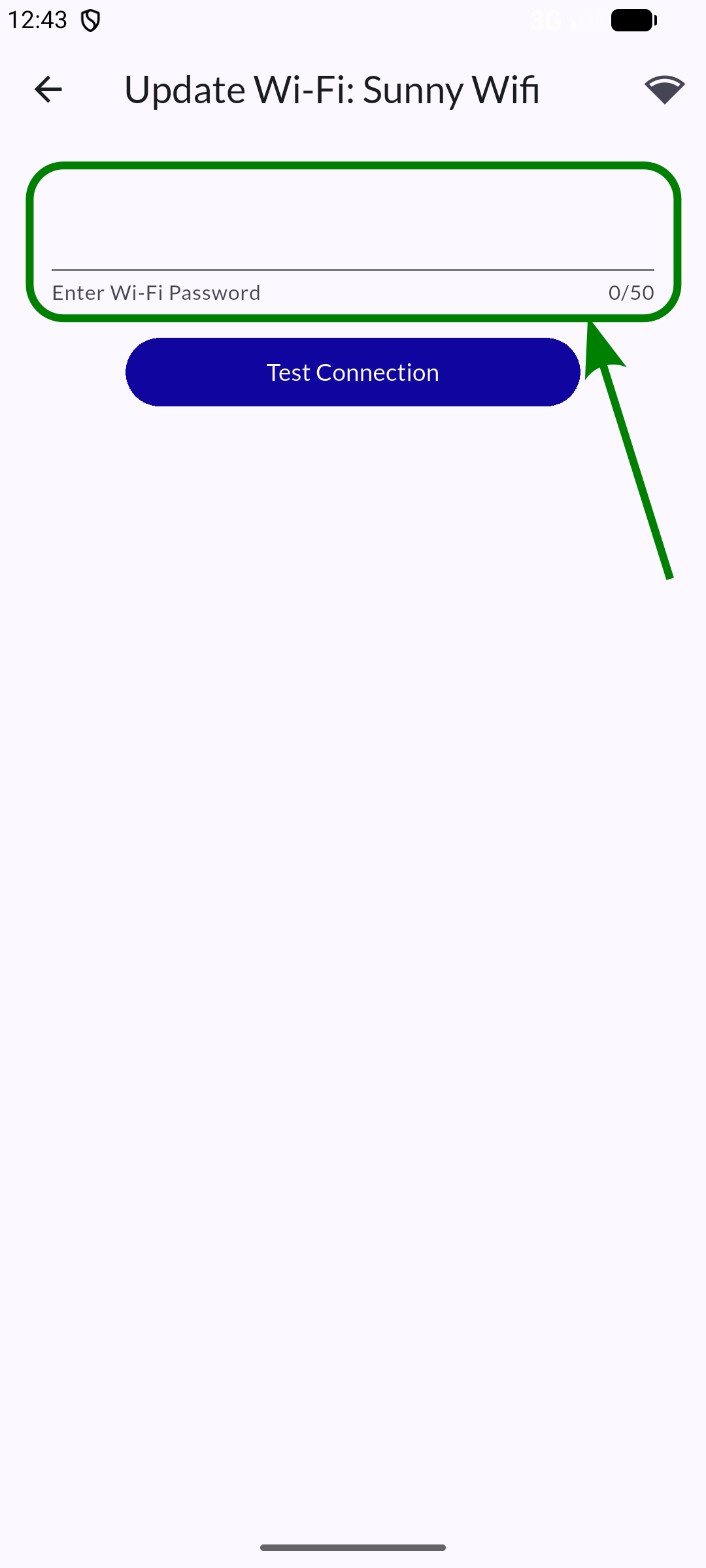
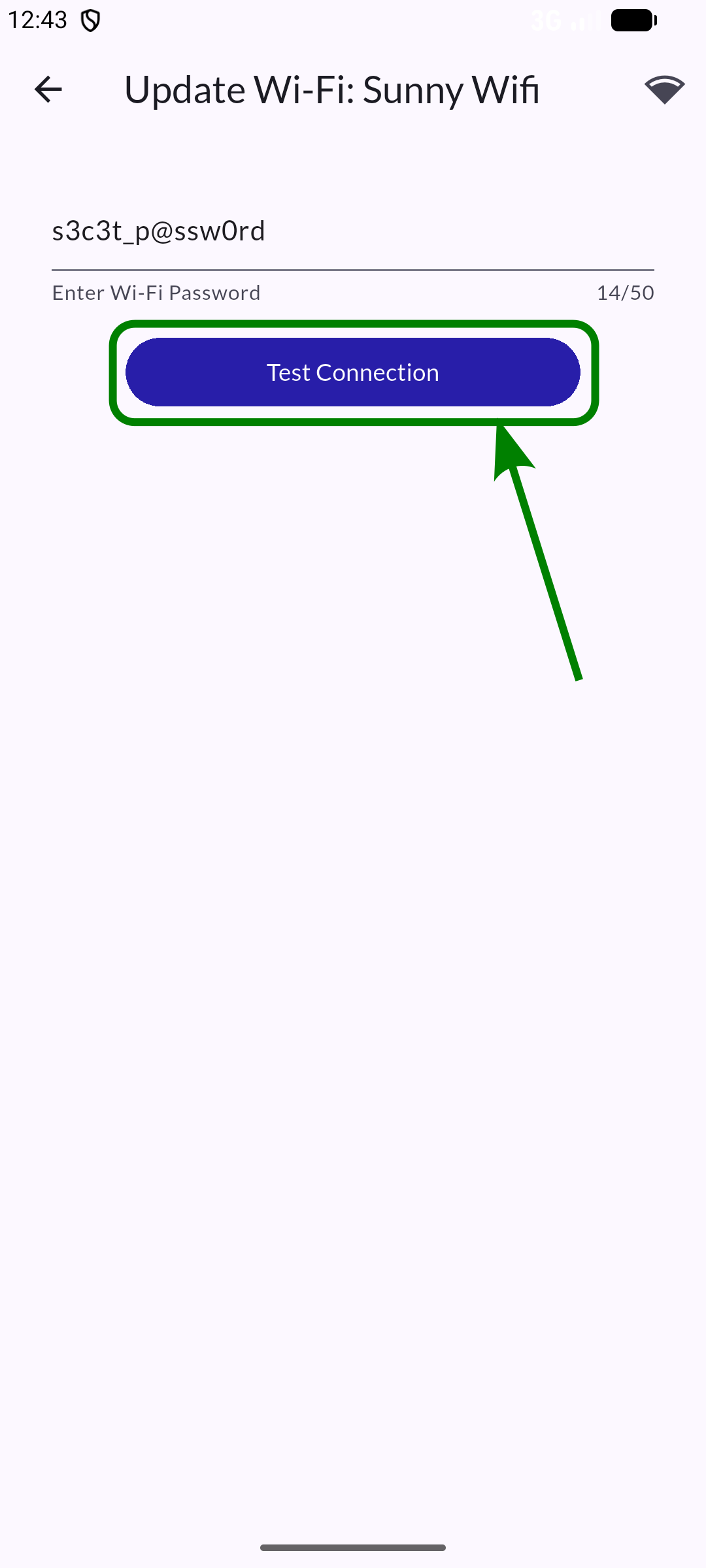
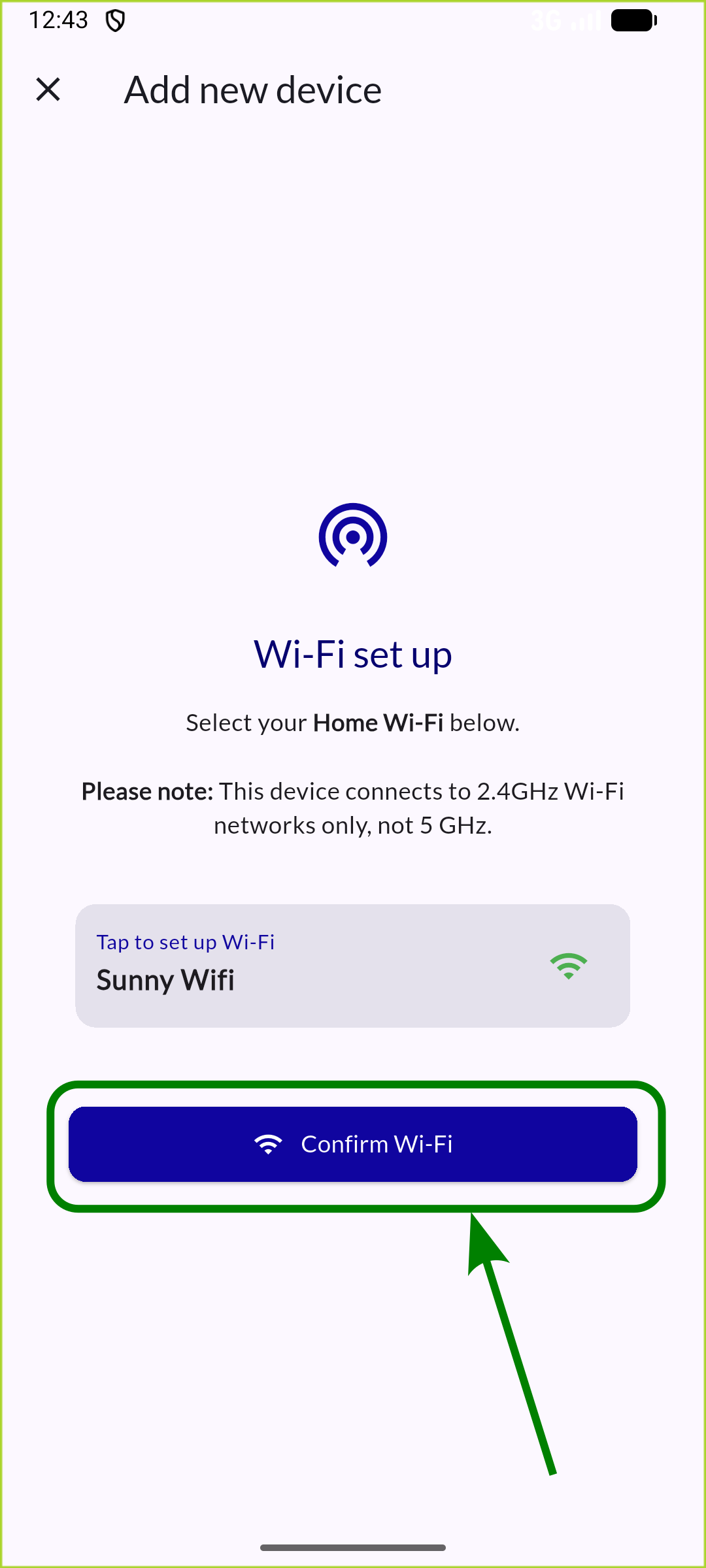
Step 7: Set up Wi-Fi
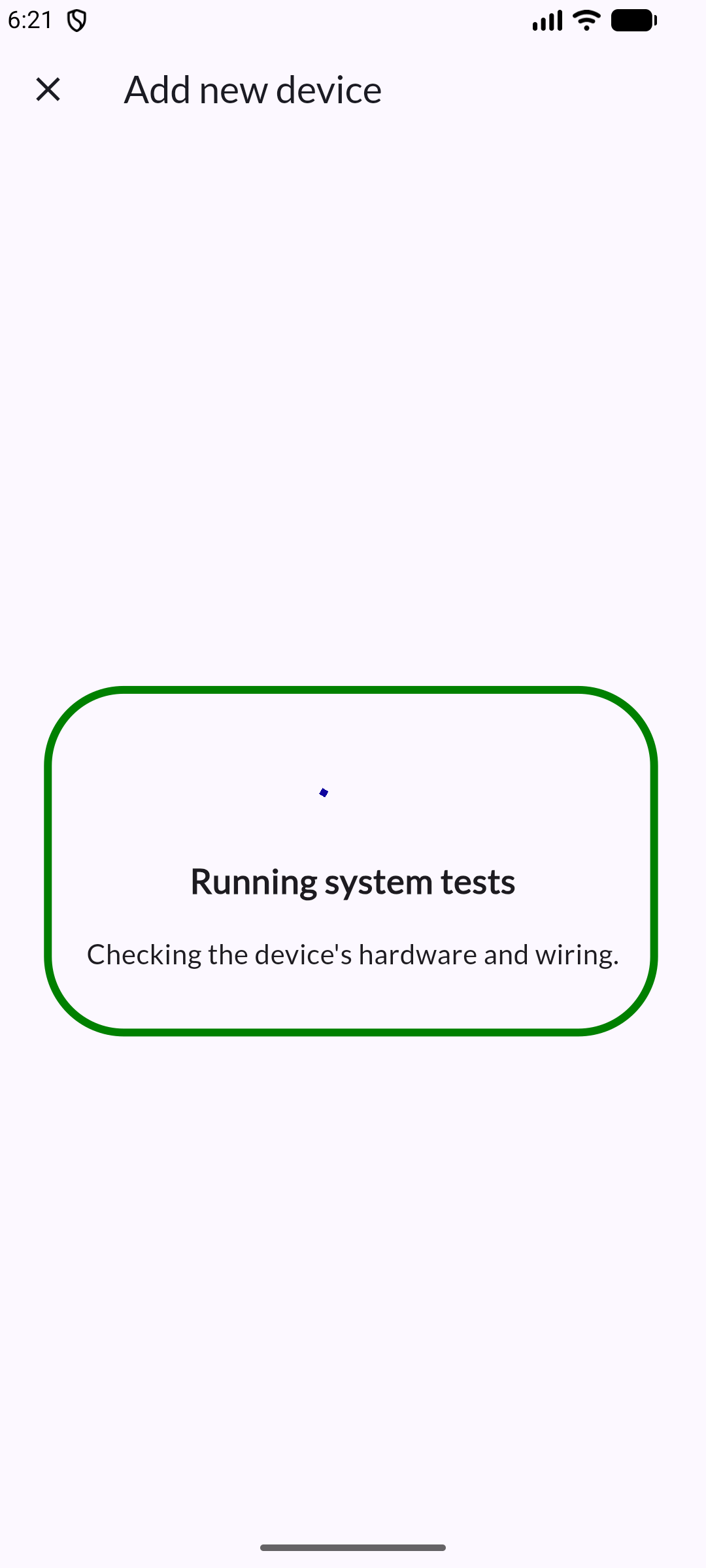
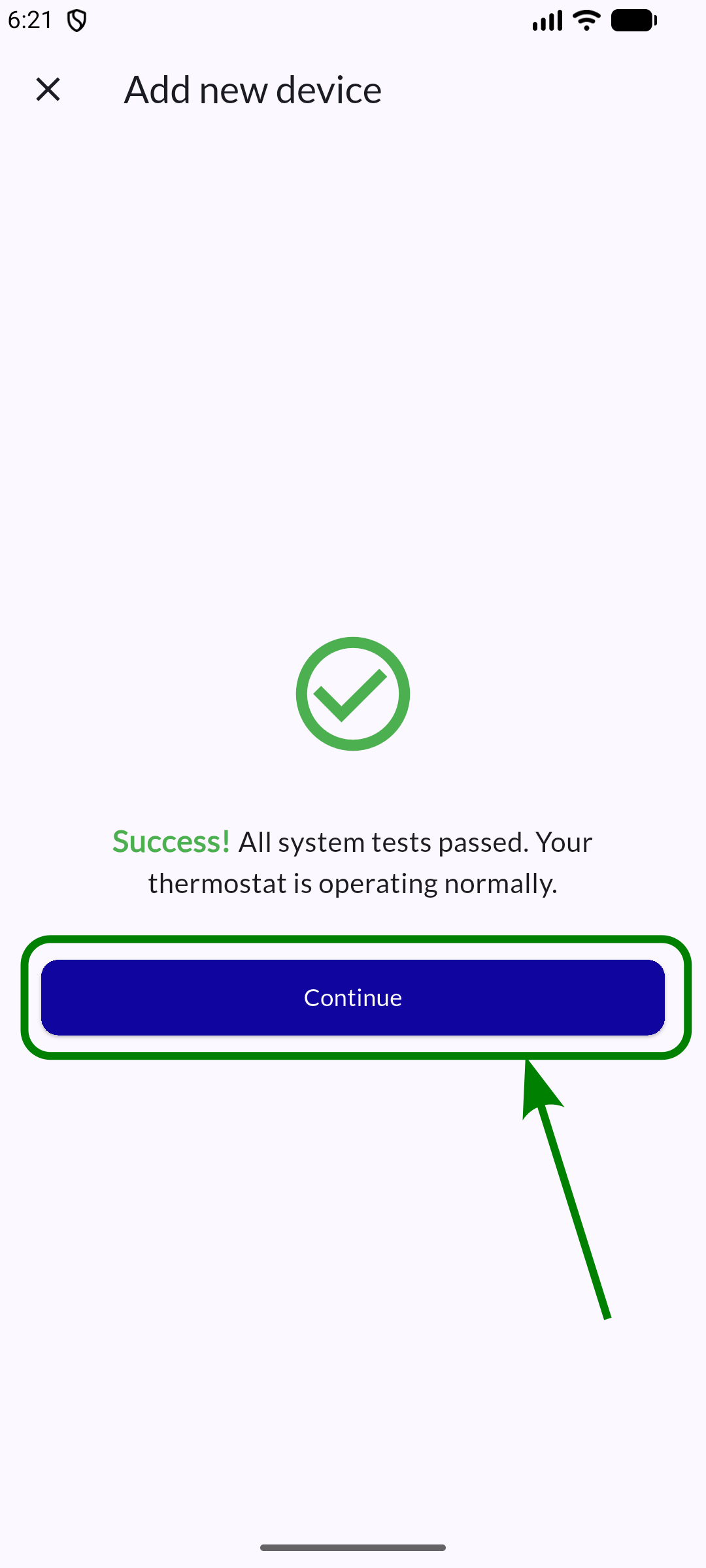
Step 8: Perform system tests
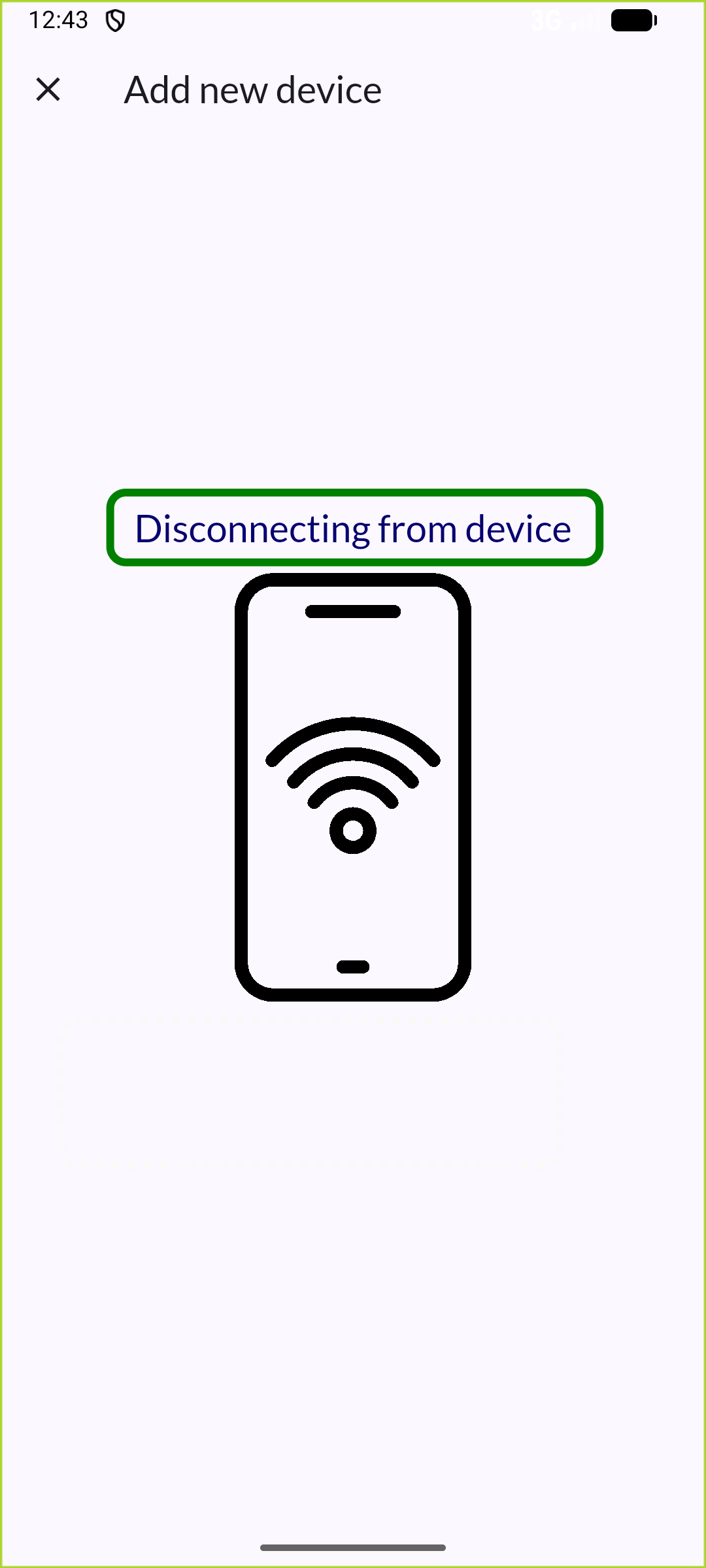
Step 9: Disconnect from device
Step 10: Device successfully added
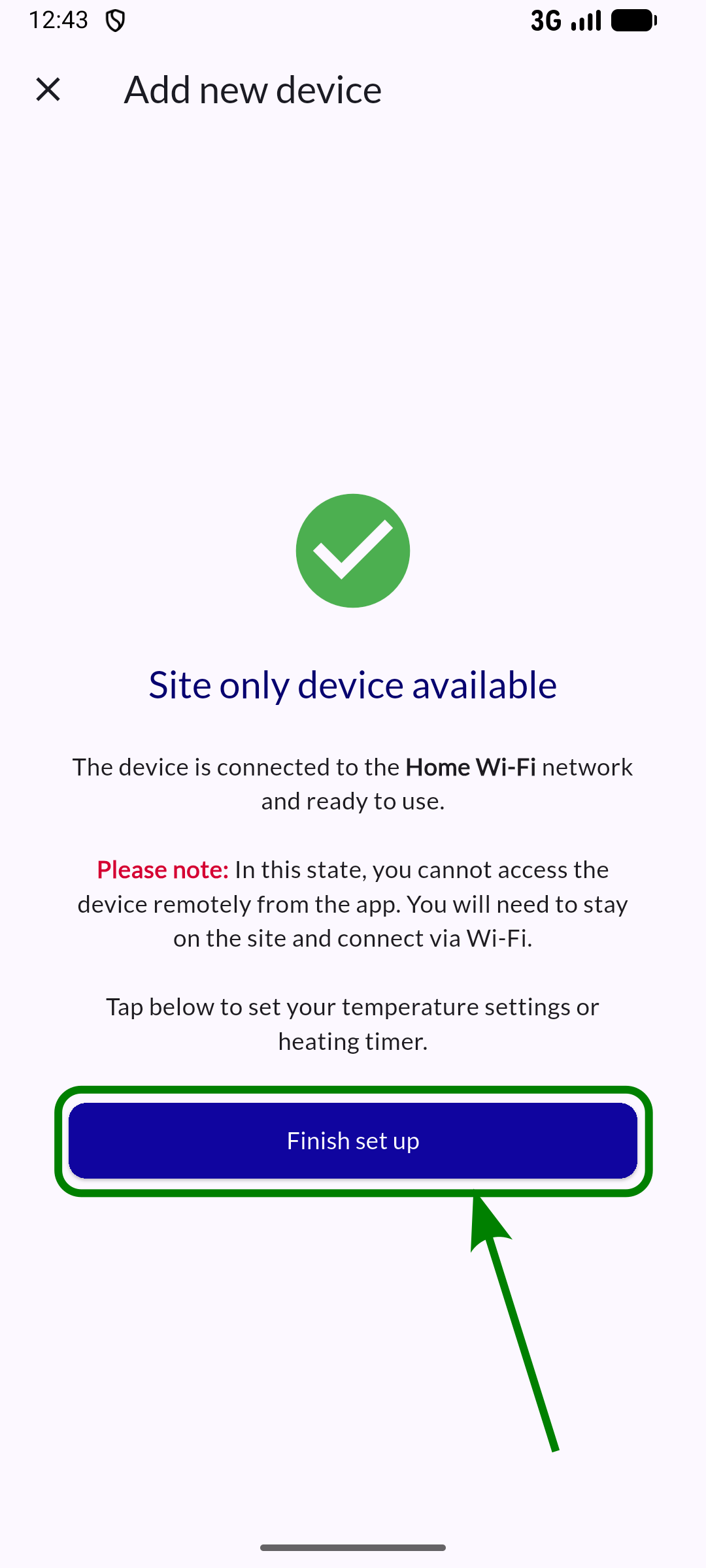
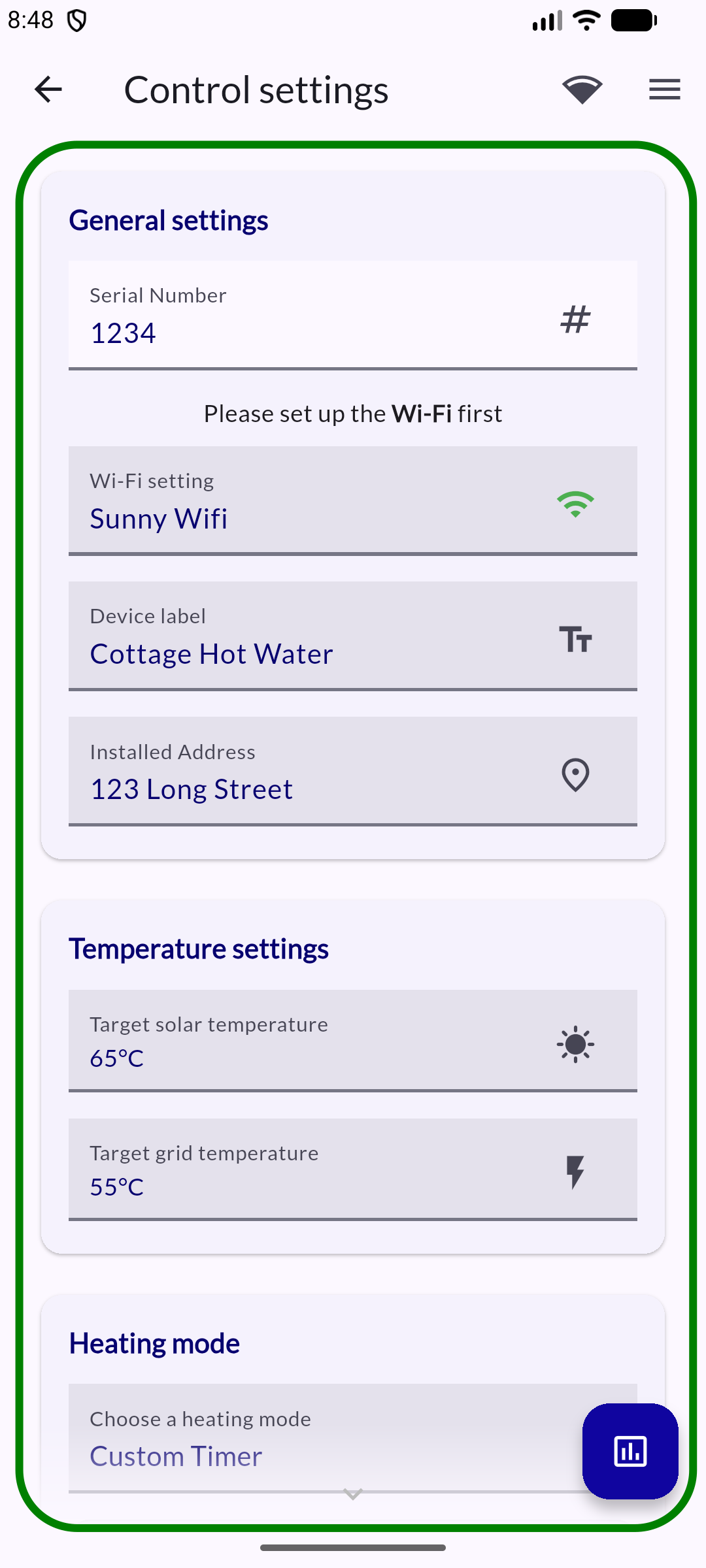
Step 11: Complete fine-grained control settings